WWDC 2026 Keynote Discussion: iOS 27, Siri AI and Apple’s Biggest Changes Explained
 By Inflix
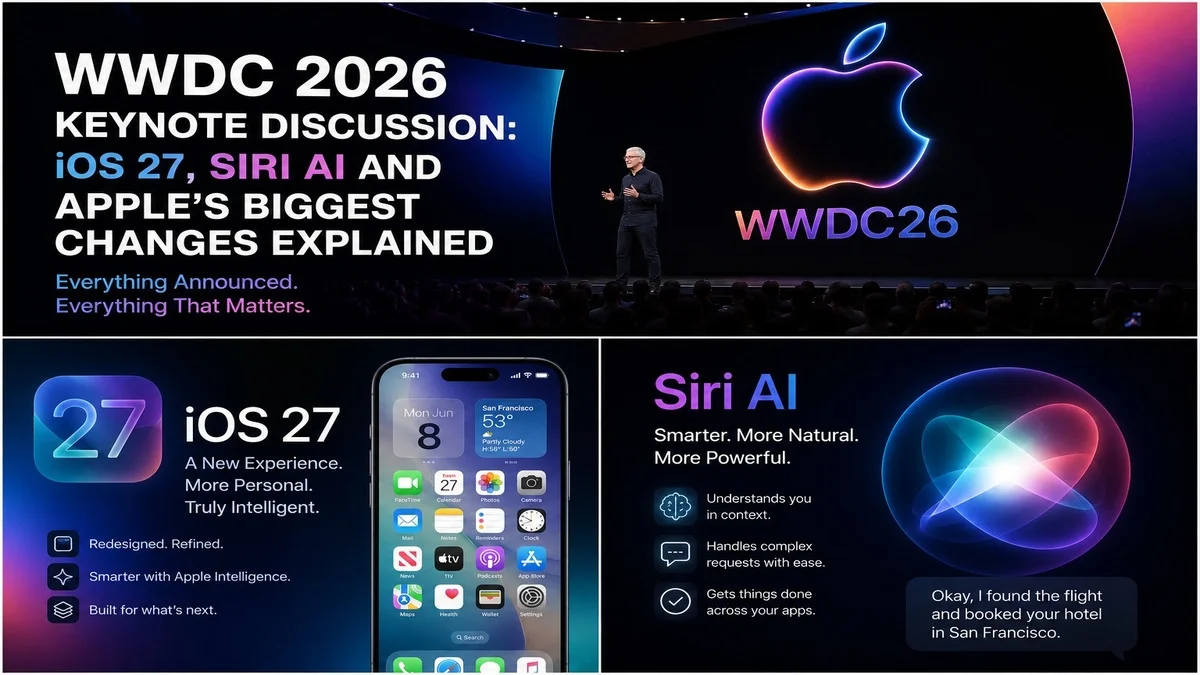
 Apple’s WWDC 2026 keynote has finally happened, and this year’s event was not just another software showcase. Instead, Apple used the stage to explain where the iPhone, Siri, Apple Intelligence and the wider Apple ecosystem are heading next.
The biggest highlight was clearly iOS 27, but the real discussion is much bigger than one iPhone update. Apple also focused heavily on Siri AI, smarter Apple Intelligence features, improved parental controls, new developer tools and platform updates across iPad, Mac, Apple Watch and Vision Pro.
Apple confirmed that WWDC 2026 started on June 8, 2026, with the keynote and Platforms State of the Union. The company also said developers would get more than 100 new video sessions during the week, covering Apple platforms, tools, technologies and design updates.
So, what did Apple actually discuss at WWDC 2026, and what does it mean for normal iPhone users? Let’s break it down in a simple way.
WWDC 2026 Keynote: What Apple Announced
The WWDC 2026 keynote focused on software, artificial intelligence and better everyday use across Apple devices. Apple’s main message was clear: the next phase of iPhone software will be smarter, more personal and more connected across apps.
The major discussion points included:
- iOS 27 for iPhone users
- A rebuilt Siri AI experience
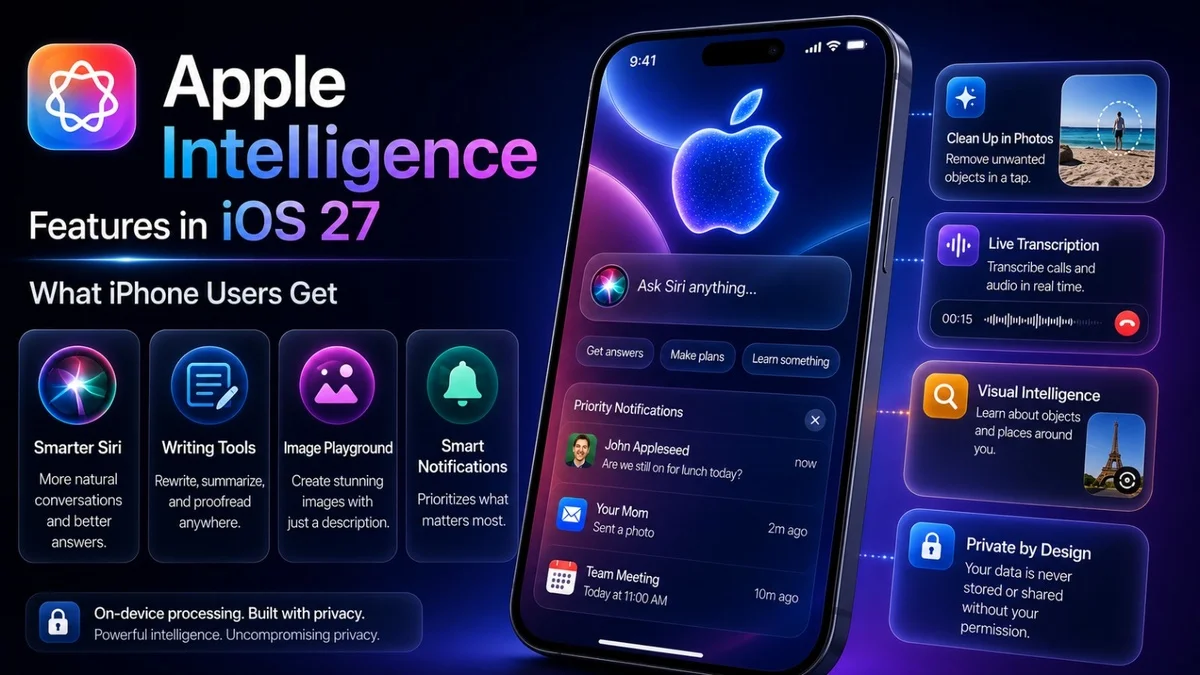
- Apple Intelligence improvements
- Better parental controls
- New Photos and productivity tools
- macOS 27, iPadOS 27, watchOS 27 and visionOS 27 updates
- New developer tools for app creators
Although Apple usually uses WWDC to speak to developers, this year’s event felt more important for everyday users. That is because many of the updates are designed to improve how people use their iPhone, Mac and iPad daily.
iOS 27 Was the Biggest WWDC 2026 Update
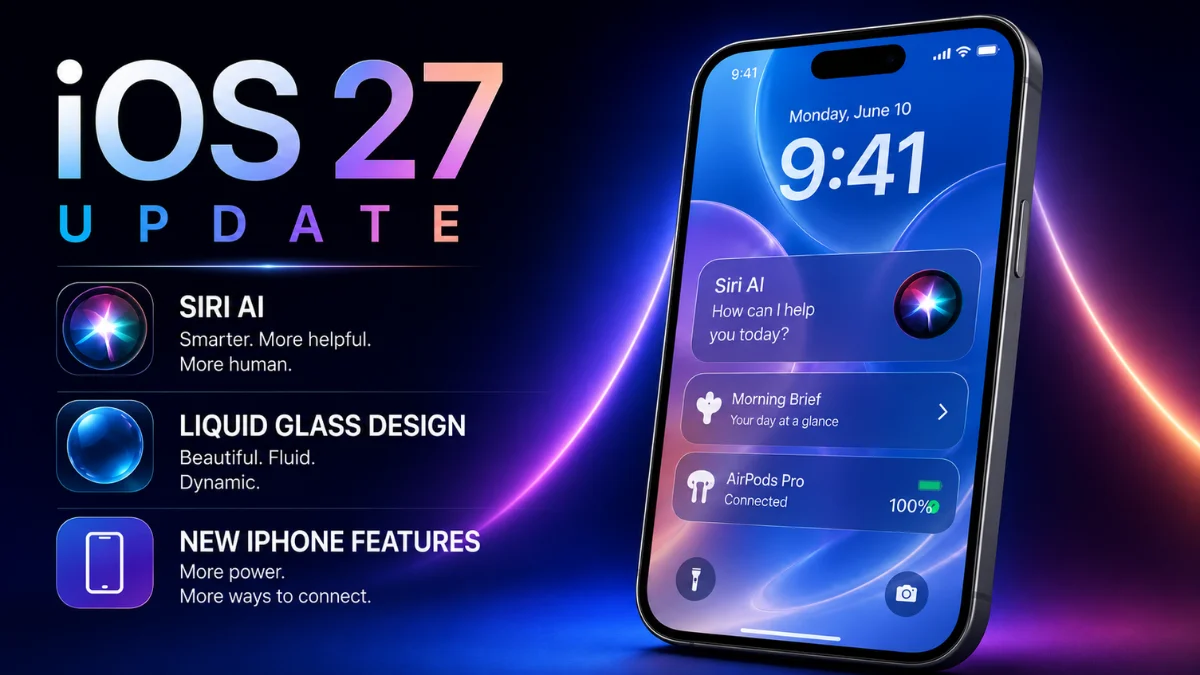
The biggest announcement from WWDC 2026 was iOS 27. Apple appears to be using this update to improve performance, add smarter AI features and make the iPhone feel more useful without making it complicated.
According to early reports, iOS 27 brings major Apple Intelligence upgrades, stronger Siri features, better Photos tools, improved parental controls and support for iPhone 11 and newer models.
This is important because many users do not upgrade their iPhone every year. Therefore, support for older models helps Apple keep more people inside the latest iOS experience.
For iPhone users, iOS 27 could become one of the most important updates in recent years because it is about more than just design. Instead, it focuses on practical improvements such as faster performance, smarter suggestions and better system-level intelligence.
Siri AI Became the Main Talking Point
The biggest discussion at WWDC 2026 was not just about iOS 27. It was Siri AI.
For years, users have complained that Siri feels behind other AI assistants. However, WWDC 2026 suggests that Apple wants to change that. Reports from the keynote say Apple has rebuilt Siri with stronger conversational abilities, deeper app understanding and more useful AI-powered actions.
This matters because Siri has always been available on iPhone, but it has not always felt powerful. With Siri AI, Apple seems to be moving toward an assistant that can understand context, handle more natural questions and help users complete tasks across apps.
For example, a smarter Siri could help with messages, reminders, photos, travel planning, notes and app actions. As a result, iPhone users may not need to open multiple apps for every small task.
Apple Intelligence Is Now More Useful
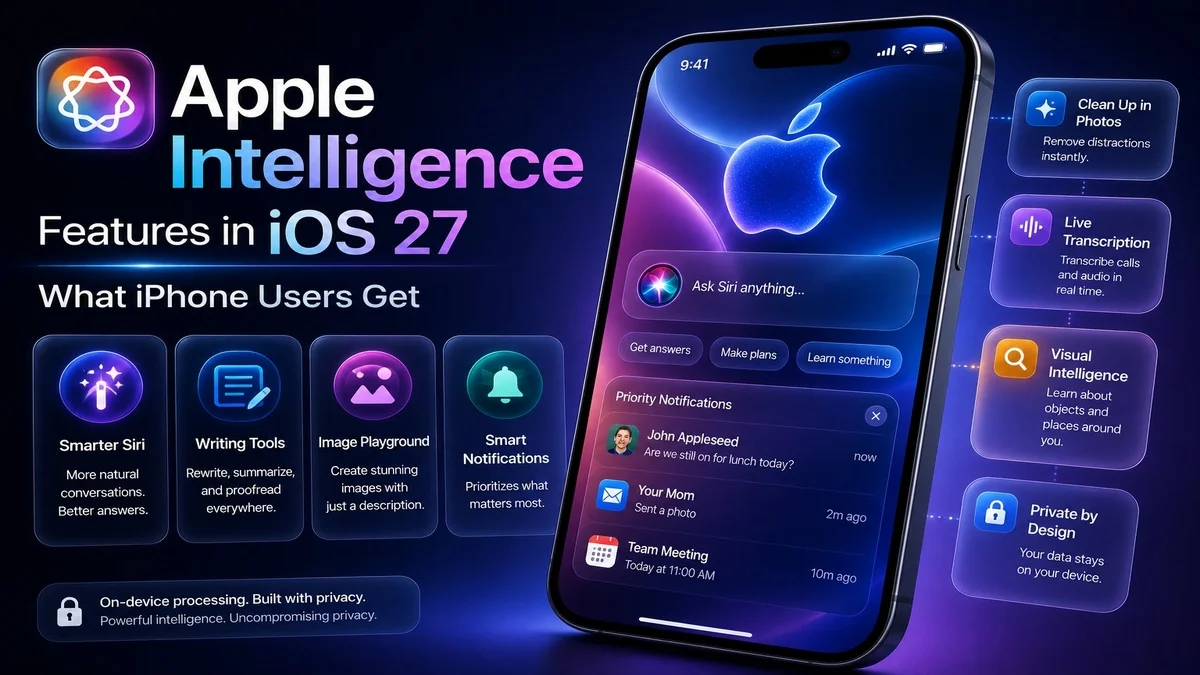
Apple also used WWDC 2026 to push Apple Intelligence further across its ecosystem. This matters because Apple Intelligence is no longer just a branding term. It is becoming part of how Apple wants users to interact with their devices.
Reports from the keynote mention smarter AI tools across iPhone features, including Photos, Messages, Notes, Reminders and Shortcuts. Some reports also mention AI photo editing tools and more natural ways to create automations.
This is important for Mobile Verse readers because Apple is not only chasing AI trends. Instead, the company is trying to make AI feel built into the phone.
For example, Apple Intelligence could help users write better messages, organise notes, create reminders, improve photos and search information faster. In addition, it may reduce the number of steps needed to complete common tasks.
Liquid Glass Changes Could Improve iPhone Design
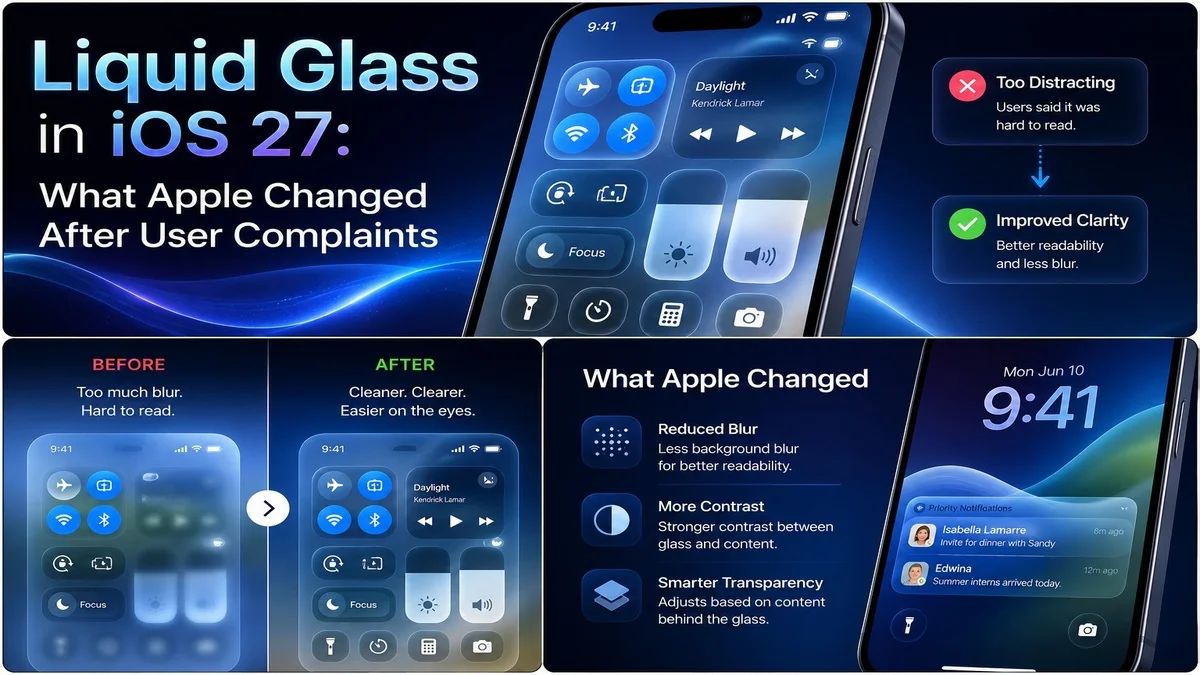
Apple’s visual design also became part of the WWDC 2026 conversation. Earlier design changes around Liquid Glass created mixed reactions because some users liked the modern look, while others wanted better readability.
At WWDC 2026, Apple reportedly refined the Liquid Glass experience with more control and better usability. This is useful because design updates should not only look new. They also need to make the phone easier to use.
For iPhone users, the most important point is simple: iOS 27 should feel more modern, but Apple also needs to keep text, buttons and menus easy to read.
Parental Controls Were Another Big Focus
Apple also discussed stronger parental controls at WWDC 2026. This is a smart move because screen time, child safety and app access are major concerns for families.
Reports say Apple introduced new child safety and parental control features for iPhone and iPad users. These updates are expected to give parents more control over device use, content access and screen time behaviour.
This could become one of the most useful iOS 27 features for families. Parents want tools that are simple, clear and reliable. Therefore, Apple’s focus on this area could help iPhone become a better family device.
Photos and Everyday Apps Got Smarter
Another key WWDC 2026 topic was Apple’s focus on everyday apps. Instead of limiting AI to Siri, Apple appears to be adding smarter tools into apps people already use.
The Photos app is expected to get better AI editing features. Reports mention tools for cleaning up images, extending scenes and reframing photos.
This matters because most iPhone users take photos every day. Therefore, better editing tools could be more useful than a feature hidden deep inside settings.
In addition, smarter Notes, Reminders and Shortcuts could help users stay organised. Overall, this shows that Apple wants AI to feel practical rather than flashy.
macOS 27, iPadOS 27 and visionOS 27 Also Matter
Although iOS 27 received the most attention, WWDC 2026 was not only about the iPhone. Apple also discussed updates across its other platforms.
The Verge reported that Apple announced visionOS 27 with Siri AI features, a dedicated Siri app, faster Wi-Fi connectivity, improved widgets and redesigned controls for Vision Pro users.
This shows Apple is trying to bring the same AI direction across all its devices. Therefore, users with an iPhone, Mac, iPad or Vision Pro may see more connected experiences in the future.
For Apple, this is important because the company’s biggest strength is its ecosystem. If Siri AI and Apple Intelligence work smoothly across devices, users may find it harder to leave Apple products.
What WWDC 2026 Means for iPhone Users
For normal users, WWDC 2026 means the iPhone is becoming more AI-focused. However, Apple is not trying to turn the iPhone into a chatbot device only. Instead, the company seems to be adding intelligence inside the apps and tools people already use.
That is a better approach because most users do not want complicated AI settings. They want their phone to understand them better, save time and make daily tasks easier.
The biggest benefits could include:
- A smarter Siri experience
- Better iPhone performance
- More useful Apple Intelligence tools
- Improved photo editing
- Stronger parental controls
- Better cross-device support
- More helpful app actions
However, the real test will come when users install iOS 27 and try these features themselves. Apple often announces features early, but user experience depends on speed, accuracy and availability.
Should You Install the iOS 27 Beta?
Many iPhone users will want to install the iOS 27 beta after WWDC 2026. However, beta software is not for everyone.
If you use your iPhone as your main device, it is better to wait for the public beta or stable release. Early developer betas can include bugs, battery drain, app crashes and missing features.
However, if you have a spare iPhone and enjoy testing new software, the iOS 27 beta could be worth trying. You may get early access to Siri AI changes, Apple Intelligence tools and new design updates.
For most users, the safer option is simple: wait until Apple releases a more stable public beta or the official iOS 27 update later in the year.
Is WWDC 2026 Good News for Apple?
Yes, WWDC 2026 is good news for Apple, but it also creates pressure. The company has now made AI a central part of its future software strategy. Therefore, users will expect Siri AI and Apple Intelligence to work properly.
If Apple delivers a smooth and private AI experience, iOS 27 could become a major turning point. However, if features are delayed or limited, users may feel disappointed again.
Overall, WWDC 2026 shows that Apple understands the AI race is serious. More importantly, it shows that Apple wants to bring AI into daily iPhone use without making the experience feel confusing.
Final Thoughts on WWDC 2026
The WWDC 2026 keynote was one of Apple’s most important software events in recent years. The biggest announcements focused on iOS 27, Siri AI, Apple Intelligence, parental controls, Photos improvements and wider platform updates.
For iPhone users, the main message is clear. Apple wants the next version of iOS to feel smarter, faster and more helpful. However, the success of iOS 27 will depend on how well these features work in real life.
If Siri AI becomes truly useful and Apple Intelligence feels natural across apps, WWDC 2026 could be remembered as the year Apple finally made AI practical for everyday users.
FAQs About WWDC 2026
What was the biggest announcement at WWDC 2026?
The biggest announcement at WWDC 2026 was iOS 27, especially because it included Siri AI, Apple Intelligence upgrades, better performance and new iPhone features.
What is Siri AI in iOS 27?
Siri AI is Apple’s upgraded voice assistant experience. It is expected to offer more natural conversations, better app understanding and smarter help across iPhone tasks.
Will iOS 27 support older iPhones?
Early reports suggest iOS 27 supports iPhone 11 and newer models. However, some advanced Apple Intelligence features may depend on newer hardware.
Should I install the iOS 27 beta?
You should install the iOS 27 beta only if you are comfortable with bugs and possible battery issues. For most users, waiting for the public beta or stable release is safer.
Why is WWDC 2026 important?
WWDC 2026 is important because Apple used the event to show its next major software direction, including iOS 27, Siri AI, Apple Intelligence and updates across the Apple ecosystem.
Apple confirmed that WWDC 2026 started on June 8 with the keynote and developer sessions running through the week.
Developers can watch Apple’s official WWDC 2026 session videos, including the keynote, Platforms State of the Union and technical sessions.
Users who want to test early software can visit the Apple Beta Software Program before installing public beta updates.
For related Mobile Verse coverage, read our guide on iOS 27 release date, supported iPhones, Siri AI and beta details.
You can also check our post on iOS 27 Liquid Glass changes to understand Apple’s new design direction.
For more Apple AI coverage, read Apple Intelligence accessibility features and how AI could improve everyday iPhone use.