

Apple Intelligence Features in iOS 27: What iPhone Users Get
 By Inflix
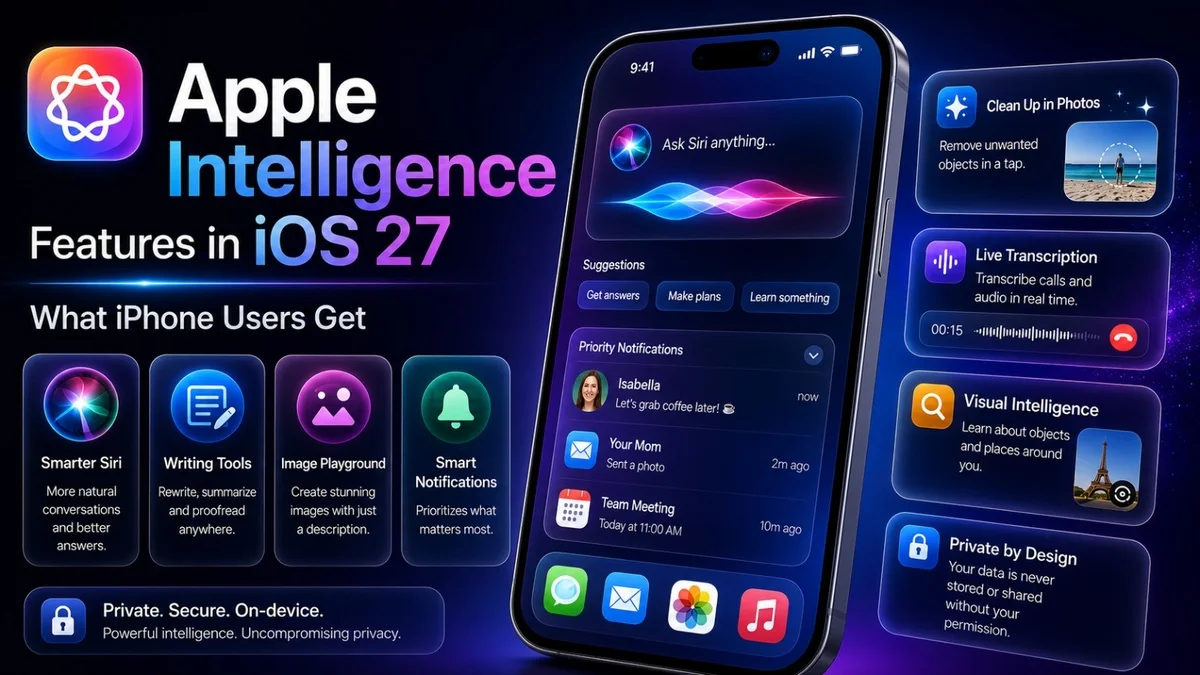
 Apple Intelligence features are becoming a major part of the iOS 27 update. Apple is no longer treating AI as a side feature. Instead, it is adding smarter tools across Siri, Photos, Safari, Passwords, Shortcuts, writing, app actions and everyday iPhone use.
This matters because iPhone users now expect more than a clean design and smooth performance. They want a phone that can understand context, save time and help with daily tasks. With iOS 27, Apple is trying to make the iPhone feel more personal, useful and intelligent.
For Mobile Verse readers, this update is important because Apple is finally pushing harder in the AI phone race against Google Gemini, Samsung Galaxy AI and other Android AI tools.
What Are Apple Intelligence Features?
Apple Intelligence features are AI-powered tools built into Apple devices. They help users write, edit, search, organise, create images, understand content and complete tasks more easily.
In iOS 27, these tools become more useful because Apple is connecting them with Siri, Photos, Safari, Passwords and other system apps. As a result, users may not need to open a separate AI app for every small task.
For official details, Apple explains its AI tools on the Apple Intelligence page, where it highlights Siri, writing tools, image features and privacy-focused intelligence across Apple devices.
Why Apple Intelligence Matters in iOS 27
Apple Intelligence matters in iOS 27 because AI is now one of the biggest smartphone battlegrounds. Google has Gemini, Samsung has Galaxy AI and Apple needs stronger tools to keep the iPhone competitive.
The key difference is Apple’s approach. Instead of making AI feel like a separate chatbot, Apple wants intelligence to appear inside the apps people already use.
That could make the iPhone more helpful during normal tasks like messaging, browsing, editing photos, managing passwords and searching for information.
Smarter Siri Is the Main Upgrade
Siri gets one of the biggest Apple Intelligence upgrades in iOS 27. Apple is making the assistant more conversational, more aware of context and more useful across apps.
This means Siri may understand follow-up questions better, work with what users see on screen and help complete tasks without forcing users to repeat every detail.
You can read our full Mobile Verse guide on the Siri AI update to understand how Apple is changing its assistant for iPhone users.
Better Context Across Apps
One of the most useful changes is context awareness. Apple wants the iPhone to understand what users are doing and provide help at the right moment.
For example, a user may ask about a message, note, web page or photo without explaining everything again. This could make AI support feel more natural and less robotic.
However, context-aware AI must protect user privacy. Apple will need to show clearly how personal data gets handled.
Writing Tools for Messages and Notes
Writing tools are another important part of Apple Intelligence. These features can help users rewrite text, improve tone, summarise information and create clearer messages.
This can be useful in Messages, Mail, Notes and other supported apps. For example, users may turn a rough note into a cleaner message or shorten a long paragraph before sending it.
These tools are not only for work. They can also help with everyday communication, captions, reminders and quick replies.
Photos Editing Gets Smarter
The Photos app gets stronger AI tools in iOS 27. Reports say Apple is improving features such as Clean Up, AI reframing and image extension.
This means users may remove distractions, adjust framing and improve photos without needing a third-party editing app.
For iPhone users, this could become one of the most practical Apple Intelligence features because Photos is one of the most-used apps on the device.
Visual Intelligence on iPhone
Visual intelligence helps users understand what they see through the iPhone camera or on the screen. This can support object recognition, quick information and visual search-style tasks.
This matters because users often want instant answers about places, products, signs, objects or screenshots. A smarter iPhone can make those tasks quicker.
Android already has strong visual search tools, so Apple needs visual intelligence to feel fast and reliable.
Shortcuts Become Easier to Use
Shortcuts can be powerful, but many users find them confusing. Apple Intelligence may help users create shortcuts with more natural language.
That would make automation easier for normal iPhone users. Instead of building complicated steps manually, users may describe what they want the iPhone to do.
If Apple makes this simple, Shortcuts could become useful for more people, not only advanced users.
Safari Gets More Intelligent
Safari is also expected to gain smarter tools in iOS 27. Reports mention features that can help organise tabs, monitor web pages and support more helpful browsing.
This could be useful for people who keep many tabs open or follow changing information online.
A smarter Safari could also help Apple compete with AI-powered browsing experiences from Google and other companies.
Passwords App Becomes More Helpful
Apple’s Passwords app may also get more useful in iOS 27. Reports say Apple is adding smarter credential support, including features that could help with updating or managing passwords.
This matters because password safety is a daily issue for iPhone users. A better Passwords app could reduce friction and improve security.
Apple already has strong ecosystem support here, so smarter password tools could become a practical upgrade.
Call Context Could Save Time
Call Context is another interesting iOS 27 feature. It may show relevant information during phone calls, helping users understand who is calling and why the call matters.
This could be useful for business calls, appointments, deliveries, customer support and unknown numbers.
If Apple handles this well, phone calls could feel more useful and less disruptive.
Better Screen Time and Family Controls
Apple is also improving Screen Time and family controls in iOS 27. This is important because many parents want better ways to manage children’s device use.
New tools may help with usage limits, app control and safer digital habits. This is not as flashy as Siri or Photos AI, but it may be very useful for families.
Strong parental controls also help Apple build trust with users who care about safety.
Privacy-Focused AI
Privacy is one of Apple’s biggest AI messages. The company often promotes on-device processing and private cloud systems for sensitive requests.
This matters because Apple Intelligence features may work with messages, photos, emails, contacts, web pages and app content. Users need confidence that personal information stays protected.
Apple’s privacy-first approach could help it stand out from competitors if the features remain useful and transparent.
Device Support and Hardware Limits
Not every iPhone may get every Apple Intelligence feature. Some tools need newer chips and more memory, so older iPhones may receive iOS 27 but miss advanced AI features.
Reports suggest iOS 27 supports devices going back to the iPhone 11, but advanced AI availability may vary by model and region.
Before updating, users should check Apple’s final compatibility details for their specific iPhone.
Apple Intelligence vs Google Gemini
Apple Intelligence will naturally be compared with Google Gemini. Gemini has strong AI search, Android integration and web-based knowledge.
Apple’s advantage is ecosystem control. It can connect AI with iPhone, iPad, Mac, Apple Watch and Vision Pro in a more private and integrated way.
Both approaches can work. However, real-world speed, accuracy and usefulness will decide which one feels better to users.
Apple Intelligence vs Galaxy AI
Samsung Galaxy AI focuses on practical tools like translation, summaries, photo editing, writing support and Circle to Search-style features.
Apple is taking a more system-integrated approach. It wants intelligence to feel built into the device instead of added on top.
This difference matters because users do not want AI features that feel complicated. They want tools that work naturally inside daily phone use.
How It Fits the AI Phone Trend
The iOS 27 update fits the wider AI phone trend. Smartphones are becoming more than app launchers. They are turning into personal assistants that understand tasks, context and user needs.
This is why Apple, Samsung and Google are investing heavily in AI features.
You can also read our Mobile Verse post on AI phones 2026 to see how the iPhone and Android market is changing.
Should iPhone Users Be Excited?
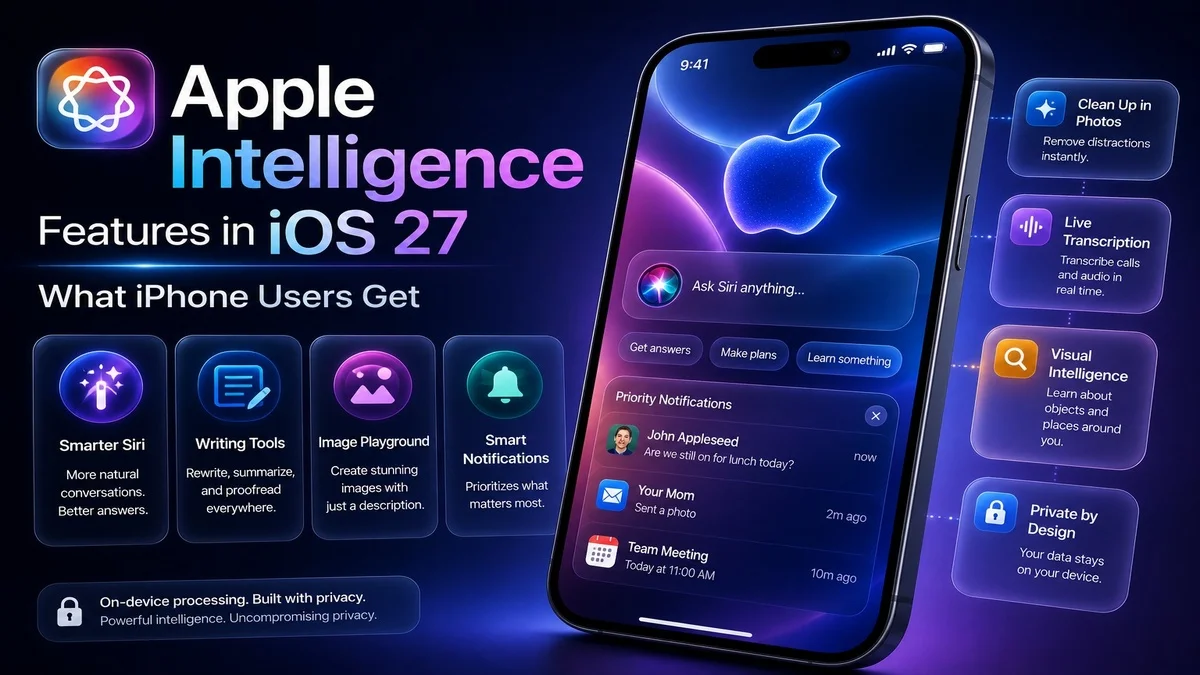
iPhone users should be interested in these updates because they can make daily tasks easier. Smarter Siri, better Photos tools, writing support and app actions all sound useful.
However, users should stay realistic. AI features often look impressive during launch events, but real-world performance matters more.
The best test will be whether people use these tools every day after the stable iOS 27 release.
What Apple Needs to Get Right
Apple needs to get speed, accuracy, privacy and availability right. If Apple Intelligence feels slow or limited, users may ignore it.
The company also needs to make features easy to understand. People should not need to study complicated menus to use AI tools.
If Apple gets this right, iOS 27 could become one of the most important iPhone updates in years.
Final Thoughts
Apple Intelligence features in iOS 27 show that Apple is taking AI more seriously across the iPhone experience. Siri, Photos, Safari, Passwords, writing tools and app actions all point toward a smarter device.
The update is not only about adding more features. It is about making the iPhone more helpful in daily life.
Overall, iOS 27 could become a major step forward if Apple delivers useful AI tools while keeping privacy, performance and simplicity at the centre.
FAQs
What are Apple Intelligence features?
Apple Intelligence features are AI-powered tools that help users write, edit photos, use Siri, search content and complete tasks on Apple devices.
Are Apple Intelligence features part of iOS 27?
Yes, iOS 27 adds deeper Apple Intelligence support across Siri, Photos, Safari, Passwords, Shortcuts and other iPhone features.
Which iPhones support Apple Intelligence features?
Some iPhones may support iOS 27 but not every advanced AI tool. Newer models are more likely to get the full feature set.
Is Siri included in Apple Intelligence?
Yes, Siri is one of the biggest parts of Apple Intelligence, with better conversation, context awareness and app support.
Is Apple Intelligence better than Google Gemini?
Apple Intelligence may feel better inside the Apple ecosystem, while Google Gemini has stronger search and web AI support.


