
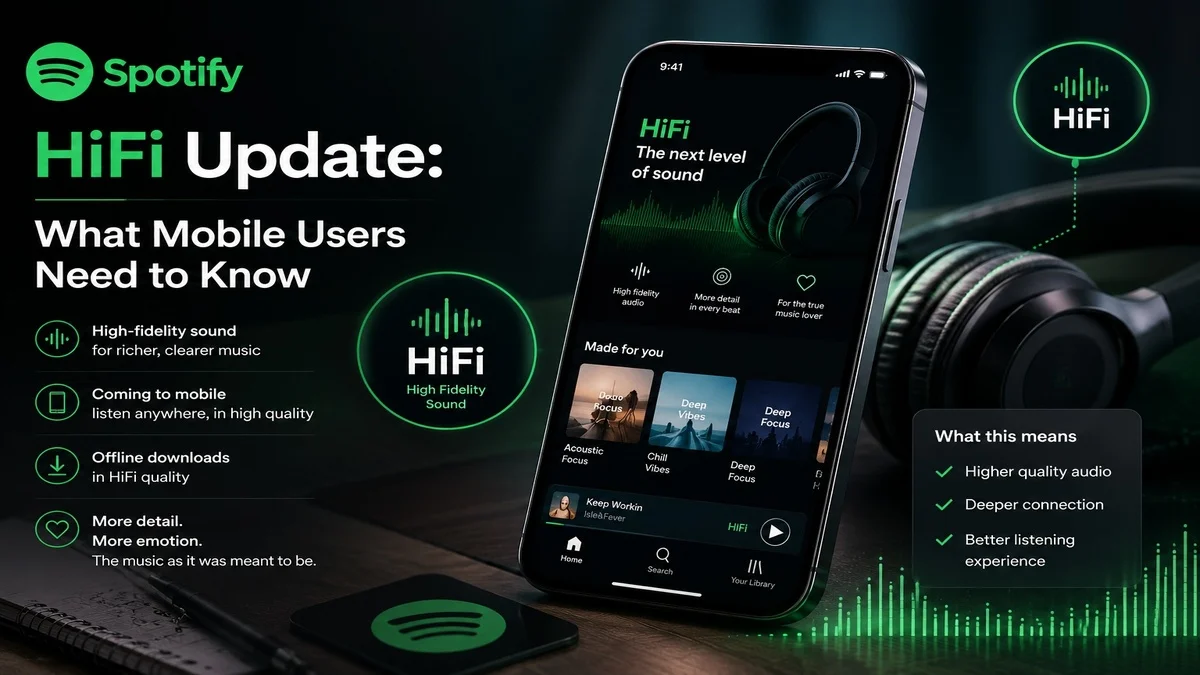
Spotify HiFi Update: What Mobile Users Need to Know
 By Inflix
 The Spotify HiFi update is finally here, and it is a big moment for mobile music streaming. After years of waiting, Spotify has started offering lossless audio for Premium users in many markets. This means listeners can now stream music with richer detail and better sound quality than before.
For mobile users, this update matters because most people listen to Spotify on phones, earbuds, car systems and portable speakers. However, lossless audio also brings a few important things to understand, including higher data use, larger downloads and Bluetooth limits.
Spotify confirmed that Lossless is available for Premium users and supports up to 24-bit/44.1 kHz FLAC audio across nearly every song on the platform. Spotify also says the feature is available on mobile, desktop, tablet and many Spotify Connect devices.
What Is the Spotify HiFi Update?
The Spotify HiFi update adds lossless audio to Spotify Premium. In simple words, lossless audio keeps more detail from the original music file. Standard streaming compresses audio more heavily, which saves data but can remove some sound detail.
With Spotify Lossless, users can hear music with more clarity, especially when they use good headphones, wired earphones, speakers or Spotify Connect devices. Therefore, the update is mainly useful for people who care about sound quality.
Spotify says users can choose Lossless quality separately for Wi-Fi, mobile data and downloads inside the app’s media quality settings.
For more mobile tech updates, you can also visit Mobile Verse.
Why Spotify HiFi Matters for Mobile Users
The Spotify HiFi update matters because phones are now the main music device for millions of users. Many people no longer use separate music players. Instead, they stream songs through Android phones, iPhones, earbuds and smart speakers.
Because of this, better audio quality inside the Spotify app can improve everyday listening. You may notice more detail in vocals, clearer instruments and a fuller sound. However, the difference depends on your headphones, internet connection and listening environment.
If you use cheap Bluetooth earbuds in a noisy place, the change may feel small. On the other hand, if you use wired headphones or high-quality speakers, the Spotify HiFi update can feel more noticeable.
You may also like our recent mobile update coverage on Samsung One UI and June security patch news.
How to Enable Spotify Lossless on Mobile
You can turn on Spotify Lossless from the app settings when the feature appears on your account. Spotify says Premium users will receive a notification when Lossless becomes available to them.
Follow these steps:
- Open the Spotify app.
- Tap your profile icon.
- Go to Settings and Privacy.
- Open Media Quality.
- Choose Lossless for Wi-Fi, mobile data or downloads.
Spotify also says users need to enable Lossless manually on each device. Once it is active, a Lossless indicator appears in the Now Playing view or Connect Picker.
Does Spotify HiFi Work Over Bluetooth?
This is the most important part for mobile users. Spotify Lossless can play on phones, but Bluetooth does not currently provide enough bandwidth for full lossless audio. As a result, the audio signal gets compressed before it reaches Bluetooth earbuds or headphones.
That does not mean Spotify HiFi is useless on mobile. It simply means you need the right setup to hear the best results.
For the best experience, use:
Wired headphones with a good adapter
A wired speaker setup
Spotify Connect over Wi-Fi
Supported smart speakers or home audio devices
If you mostly use Bluetooth earbuds, you can still enjoy Spotify’s improved quality settings. However, you may not hear the full lossless benefit.
Will Spotify HiFi Use More Mobile Data?
Yes, the Spotify HiFi update can use more data than normal streaming. Lossless files are larger because they keep more audio detail. Therefore, mobile users should be careful when using Lossless on cellular data.
If you have unlimited data, this may not be a big issue. However, if your plan has a data limit, use Lossless mainly on Wi-Fi. You can also download playlists in Lossless at home and listen offline later.
This is the smartest setup for most users:
Use Lossless on Wi-Fi
Use High or Very High on mobile data
Download favourite albums before travelling
Avoid Lossless streaming when your signal is weak
As a result, you can enjoy better sound quality without wasting too much mobile data.
Is Spotify HiFi Free for Premium Users?
Spotify has added Lossless as part of Spotify Premium. That is good news because many users expected Spotify to launch a separate HiFi plan. Instead, Premium users can access the feature when it becomes available in their market.
This helps Spotify compete more strongly with Apple Music, Amazon Music and Tidal, which already offer high-quality audio options. It also makes Spotify Premium more valuable for users who care about music quality.
Still, availability can depend on your country and account. Spotify said Lossless rolled out gradually to more than 50 markets and later updated its announcement to say it was available to Premium users in more than 50 markets.
Spotify HiFi vs Apple Music Lossless
The Spotify HiFi update puts Spotify closer to Apple Music, especially for users who wanted better audio quality without switching apps. Apple Music has offered lossless audio for years, so Spotify needed this upgrade to stay competitive.
However, Spotify still has a major advantage in playlists, recommendations, podcasts and social sharing. Many users stay with Spotify because of its familiar app experience, Spotify Wrapped, Discover Weekly and personalised playlists.
Therefore, the Spotify HiFi update may stop some users from moving to other music apps. It gives Premium users better sound quality while keeping the same Spotify experience they already know.
Should You Turn On Spotify HiFi?
You should turn on Spotify HiFi if you care about sound quality and have the right listening setup. It is especially useful for wired headphones, home speakers and Spotify Connect devices.
However, you may not need it all the time. For example, normal quality is often enough for gym listening, driving, podcasts and casual background music. Lossless is better when you want focused listening and have a stable Wi-Fi connection.
Use Spotify HiFi when:
You listen on Wi-Fi
You use wired headphones
You have good speakers
You download music for offline listening
You want better detail in albums and vocals
Avoid it when:
You have limited mobile data
You use weak internet
You only listen through basic Bluetooth earbuds
You need to save phone storage
What This Means for the Future of Music Streaming
The Spotify HiFi update shows that music streaming is moving toward better quality as standard. Users no longer want only large libraries and smart playlists. They also want better sound, stronger mobile controls and more flexible settings.
For mobile users, this is a positive change. Phones are becoming better entertainment devices, and apps like Spotify are improving the listening experience. In addition, better audio quality can make premium subscriptions feel more valuable.
Overall, Spotify HiFi is not just a small settings update. It is a major step for mobile music streaming because it brings higher-quality listening to one of the world’s most popular music apps.
Final Thoughts
The Spotify HiFi update is a welcome upgrade for Premium users. It brings lossless audio to mobile, desktop, tablet and supported Spotify Connect devices. More importantly, it gives users better control over sound quality for Wi-Fi, mobile data and downloads.
However, mobile users should understand the limits. Bluetooth still compresses audio, and Lossless can use more data and storage. Therefore, the best experience comes from Wi-Fi, wired headphones or supported speakers.
If you already use Spotify Premium, this update makes the service more useful. It may not change casual listening for everyone, but it gives music fans a better way to enjoy their favourite songs with more detail.
FAQs
What is the Spotify HiFi update?
The Spotify HiFi update adds lossless audio to Spotify Premium. It lets users stream music with more detail than standard compressed audio.
Is Spotify HiFi available on mobile?
Yes, Spotify Lossless works on mobile, desktop, tablet and many Spotify Connect devices. You need to enable it from the Media Quality settings.
Does Spotify HiFi work with Bluetooth earbuds?
Spotify HiFi can play on your phone, but Bluetooth compresses the audio signal. For true lossless listening, use wired headphones or Spotify Connect over Wi-Fi.
Does Spotify HiFi use more data?
Yes, Lossless audio uses more data because the files are larger. Therefore, it is better to use Spotify HiFi on Wi-Fi or download songs for offline listening.
Is Spotify HiFi included with Premium?
Yes, Spotify Lossless is included with Spotify Premium in supported markets. Users do not need a separate HiFi plan where the feature is available.
