Android 16 Update: New AI and Security Features Expected
 By Inflix
 Android 16 update is one of the most important software upgrades for Android users because it brings stronger security, smarter productivity tools, better notifications and more privacy controls. Instead of focusing only on visual changes, Google is making Android more helpful, safer and ready for the next wave of AI-powered phone features.
This matters because Android phones are becoming personal assistants, not just app launchers. Users now expect their phones to protect them from scams, manage notifications better, support multitasking and work smoothly across daily tasks.
For Mobile Verse readers, Android 16 is important because it connects directly with Google’s latest AI and security direction, including fake call protection, Android Drop features and smarter Android tools.
What Is the Android 16 Update?
Android 16 update is Google’s latest major Android version for supported phones, tablets and foldable devices. It builds on Android 15 with stronger security, better usability, improved multitasking and new tools for larger screens.
Google says Android 16 includes updates designed to boost productivity and enhance security. These include notification improvements, desktop windowing, accessibility upgrades and stronger privacy protections.
For official details, Google has shared a full breakdown of Android 16 features, including usability enhancements, multitasking tools, accessibility improvements and security updates.
Why the Android 16 Update Matters
Android 16 update matters because phone software is becoming just as important as hardware. A faster chip or better camera is useful, but users also need safer calls, smoother notifications, better privacy and smarter daily tools.
This update shows how Google is preparing Android for a more AI-focused future. While Android 16 itself is not only an “AI update,” it creates a stronger base for AI-powered tools, security features and app experiences.
That is why Android 16 should matter to anyone using Pixel, Samsung, OnePlus, Motorola, Xiaomi, Oppo or other Android devices.
Android 16 Update Brings Stronger Security
Security is one of the biggest highlights of the Android 16 update. Google has added Advanced Protection, which brings several strong safeguards into one place.
Advanced Protection can help protect users from online attacks, harmful apps, unsafe websites, scam calls and other serious threats. This is useful for public figures, journalists, business users and anyone who wants stronger phone security.
The best part is simplicity. Instead of adjusting many settings one by one, users can activate stronger protection more easily.
Advanced Protection Makes Android Safer
Advanced Protection is important because mobile threats are becoming more advanced. Scammers now use fake calls, suspicious links, harmful apps and social engineering to target users.
Android 16 helps by collecting stronger protections in one place. This makes phone security easier for normal users, not only technical users.
However, users should still stay careful. No security feature can stop every scam. People should avoid sharing passwords, banking details or one-time codes during calls or messages.
Android 16 Update and Scam Protection
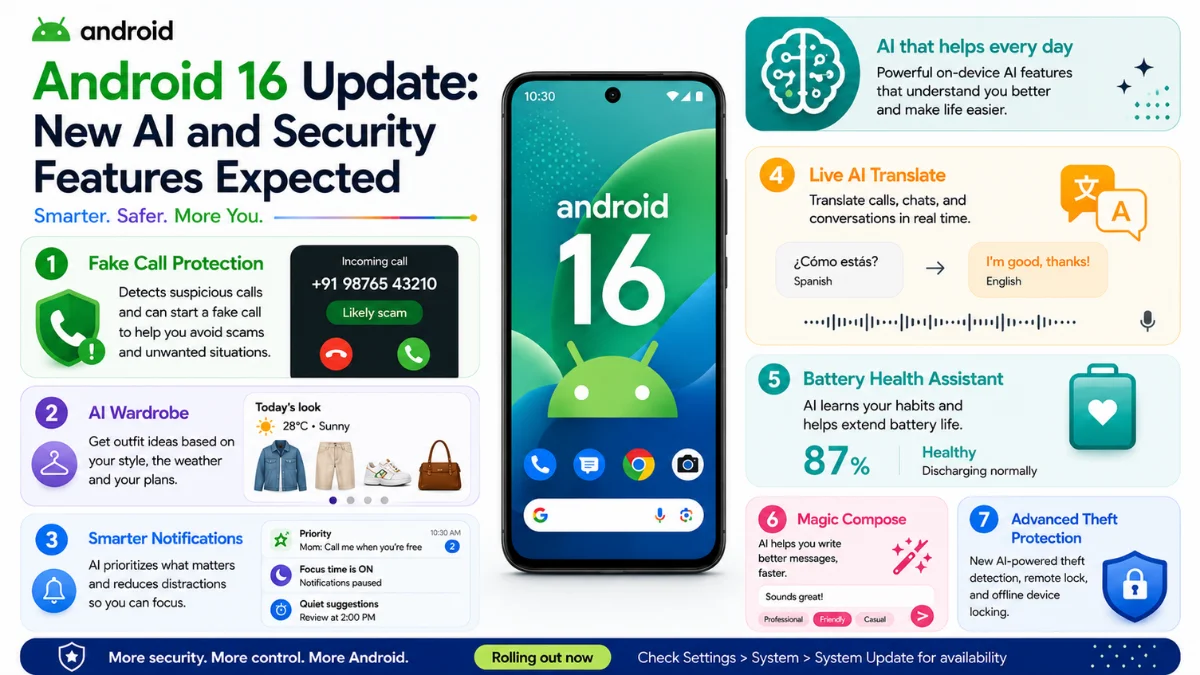
Android 16 also fits Google’s wider scam protection direction. Google is adding tools such as fake call detection through Phone by Google, which can warn users when scammers may be spoofing trusted contact numbers.
This matters because caller ID is no longer enough. A scammer can make a call look like it is coming from someone you know.
You can read our Mobile Verse guide on Android fake call detection to understand how Google’s call safety tools work.
Android 16 Update Improves Notifications
Notifications are another key part of Android 16. Google says Android 16 brings auto-grouping, live updates, predictive back in three-button navigation, haptic sliders and adaptive refresh rate improvements.
Auto-grouping can reduce clutter by grouping similar notifications together. Live updates can show real-time progress for journeys such as rides or deliveries.
This is useful because notifications are one of the most common phone frustrations. Android 16 makes them easier to follow and less overwhelming.
Live Updates Could Make Android More Useful
Live updates are especially useful for tasks that change in real time. For example, users may track delivery progress, ride updates or time-sensitive activities directly from notifications.
Instead of opening an app again and again, Android can keep important progress visible.
This makes Android feel more helpful and proactive. It also supports the bigger trend of phones becoming smarter daily assistants.
Android 16 Update Adds Desktop Windowing
Desktop windowing is one of the most interesting productivity features in Android 16. Google worked with Samsung to develop a better way to open, move and resize multiple app windows on larger screens.
This is useful for tablets, foldables and devices connected to bigger displays. Users can work across multiple apps more easily, similar to a desktop experience.
For productivity users, this could make Android tablets and foldables much more practical.

Better Multitasking for Tablets and Foldables
Android 16 update is especially important for tablets and foldable phones. These devices need better multitasking because users have more screen space.
Desktop windowing, custom keyboard shortcuts and taskbar improvements can make Android feel more like a serious productivity platform.
This also helps Android compete with iPadOS, Windows tablets and Samsung DeX-style experiences.
Android 16 Update and Accessibility Features
Android 16 also brings accessibility improvements. Google highlights support for using the phone as a microphone input for LE Audio hearing aids, as well as better hearing device controls.
This can help users hear more clearly in noisy environments and manage hearing devices directly from the phone.
Accessibility features are important because software updates should make devices better for everyone, not only power users.
Privacy Tools in Android 16
Privacy remains a major focus for Android 16. Google says the update includes features such as Identity Check, Trade-in Mode and Advanced Protection.
Identity Check can require biometrics outside trusted locations, making it harder for someone to take over an account if they steal a phone. Trade-in Mode helps provide diagnostics on wiped devices while protecting user privacy.
These features show that Android privacy is becoming more practical and more user-focused.
Android 16 Update and AI Features
Android 16 update supports a wider AI direction even if many AI tools arrive through Google apps and Android Drops. Google is adding AI across Photos, Phone, Search, Circle to Search and Play Books.
This means some AI features may not depend only on the Android version number. They may arrive through Google Play services, app updates or server-side rollouts.
You can read our pillar post on Android AI features 2026 to see how Google is building AI across Android phones.
How Android 16 Connects With New Android Features
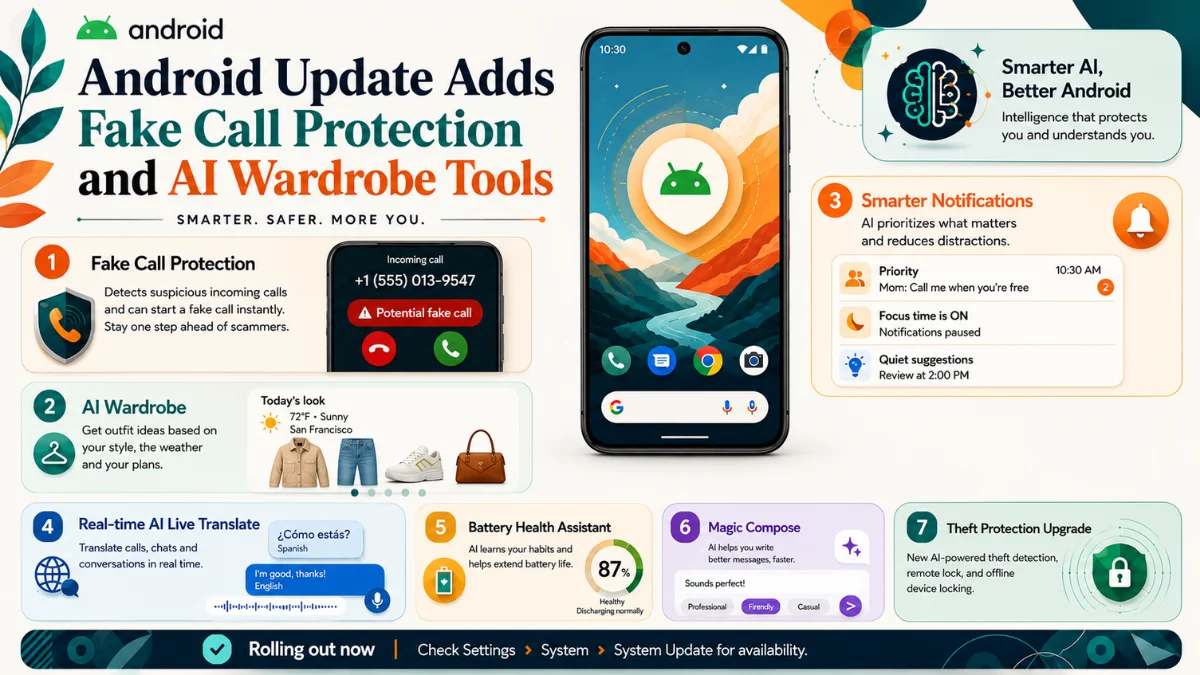
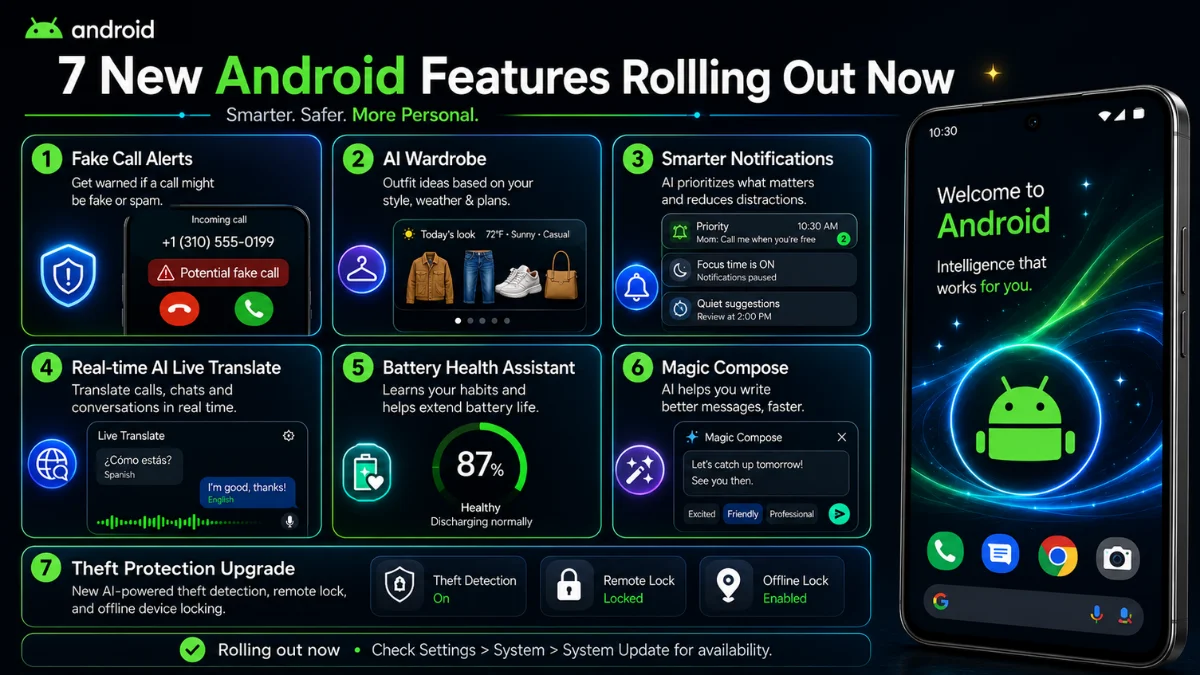
Android 16 also connects with Google’s latest Android Drop features. These include fake call alerts, Google Photos AI Wardrobe, Circle to Search outfit discovery, Quick Share improvements and new safety tools.
This is why Android users should not only wait for major OS upgrades. Google now adds useful features through multiple channels, including apps and feature drops.
You can read our post on 7 new Android features rolling out now for the latest Android Drop details.
Android 16 Update and AI Wardrobe Tools
Google Photos AI Wardrobe is not only about Android 16, but it fits the same direction. Android is becoming more personal, visual and AI-powered.
AI Wardrobe can organise clothing from photos and help users explore outfit combinations. It shows how Google is putting AI into everyday apps rather than keeping it inside a chatbot.
You can read our detailed guide on Google Photos Digital Wardrobe for more information.
Android 16 Update and Circle to Search
Circle to Search is another feature that connects with Android’s AI future. It lets users search objects, text and images directly from the screen.
Newer improvements include outfit discovery and multi-object search, which can help users identify clothing items and products more easily.
For a full breakdown, read our Mobile Verse guide on the Circle to Search update.
Which Phones Will Get Android 16?
Android 16 availability depends on the phone brand, model, region and update policy. Pixel phones usually receive major Android updates first, while Samsung, OnePlus, Xiaomi, Motorola, Oppo and other brands follow based on their own schedules.
Google says Android 16 rollout begins automatically over time, and update timing can vary by manufacturer and operator.
Users should check their phone’s software update page and official brand announcements to confirm availability.
How to Check for the Android 16 Update
You can check for Android 16 manually through your phone settings. Open Settings, go to About phone or About tablet, then check your Android version and software update section.
On some phones, the update option may appear under System, Software update or Security and privacy.
Before updating, charge your phone, connect to Wi-Fi and back up important data. This helps avoid problems during installation.

Should You Install Android 16 Immediately?
Most users should install Android 16 when it becomes officially available for their device. Major updates usually include security improvements, privacy upgrades and better system features.
However, if your phone is used for work or you rely on specific apps, it may be smart to wait a few days and check early user feedback.
This is especially useful for older phones, where performance and battery life can vary after a major update.
Android 16 Compared With Android 15
Android 16 brings stronger usability, security and multitasking improvements compared with Android 15. While Android 15 focused more on privacy and performance, the newer version goes further with live notification upgrades, desktop windowing and Advanced Protection.
The difference may feel bigger on tablets, foldables and larger screens because the latest version improves multitasking more clearly.
For everyday phone users, the biggest benefits may come from notifications, security and privacy improvements.
Why Android 16 Is Important for Future Phones
Android 16 matters because it prepares phones for the next generation of mobile experiences. AI tools, better multitasking, stronger security and improved accessibility all need a reliable software base.
As phones become more assistant-like, Android must be secure, flexible and efficient.
That is why Android 16 is more important than it may look at first. It is not only about new menus. It is about making Android ready for smarter phones.
Final Thoughts
Android 16 update brings meaningful changes for security, productivity, notifications, accessibility and privacy. Features like Advanced Protection, desktop windowing, live updates and Identity Check make Android safer and more useful.
At the same time, Google’s wider Android Drop and AI features show where the platform is heading next. Android phones are becoming more personal, more protective and more intelligent.
Overall, Android 16 is a strong update for users who want better security and smarter daily phone features. If your device supports it, keeping your phone updated is the best way to get the latest improvements.
FAQs
What is the Android 16 update?
Android 16 update is Google’s latest major Android version, bringing stronger security, better notifications, desktop windowing, accessibility improvements and privacy tools.
Does Android 16 include AI features?
Android 16 supports Google’s wider AI direction, but many AI tools arrive through Google apps, Android Drops, Play services and server-side rollouts.
Which phones will get Android first?
Pixel phones usually receive Android updates first. Samsung, OnePlus, Xiaomi, Motorola, Oppo and other brands follow based on their own rollout schedules.
What is the biggest Android 16 security feature?
Advanced Protection is one of the most important security features because it provides strong safeguards against online attacks, harmful apps, unsafe sites, and scam calls.
How can I check for Android?
Open Settings, go to About phone or System update, then check your Android version and available software updates.