Android AI Features 2026: Best New Tools Coming to Your Phone
 By Inflix
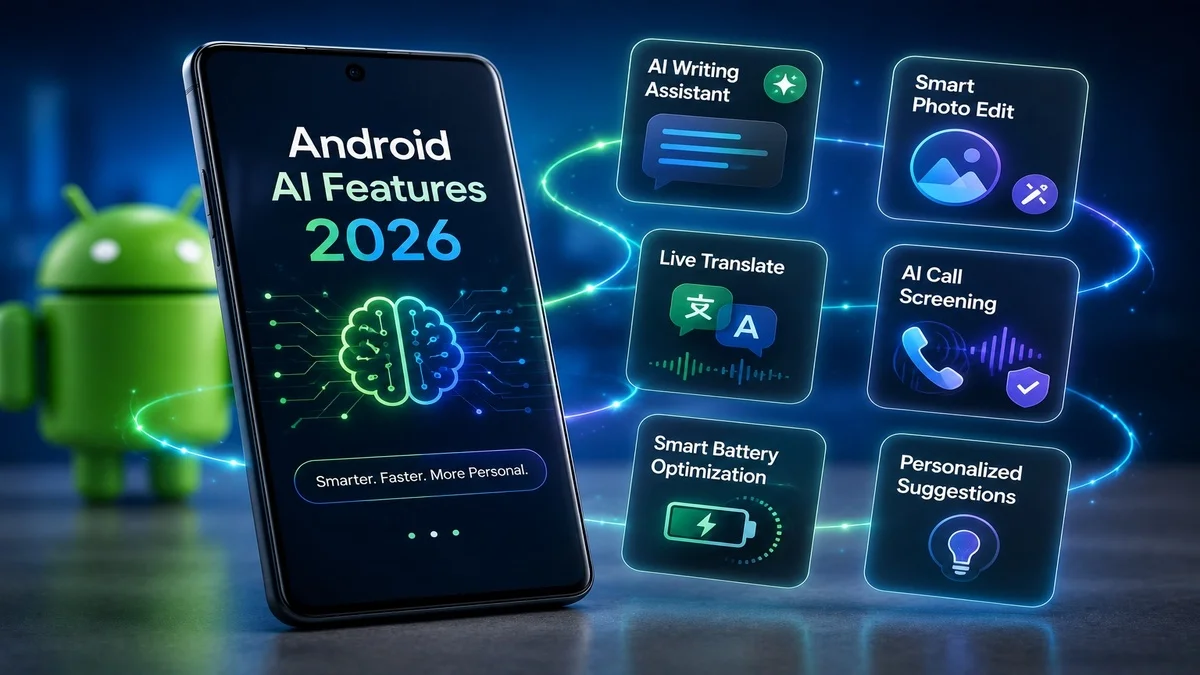
 Android AI features 2026 are changing how people use their phones every day. Google is adding smarter tools for search, calls, photos, safety, reading and personal assistance. As a result, Android phones are becoming more helpful, more secure and more aware of what users need.
This is not only about adding one flashy AI app. Instead, Google is placing AI inside the phone experience itself. Features like Circle to Search, fake call detection, Google Photos Digital Wardrobe and AI scam protection show that Android is moving toward a smarter future.
For Mobile Verse readers, this is an important shift. Android AI is no longer something coming later. It is already becoming part of normal phone use in 2026.
What Are Android AI Features 2026?
Android AI features 2026 are Google’s latest artificial intelligence tools built into Android phones, Google apps and mobile services. These features help users search faster, avoid scams, organise photos, understand content and complete tasks more easily.
Some features arrive through Android system updates. Others come through Google apps, Google Play services or Pixel and Samsung updates. Therefore, availability can depend on your device, region and software version.
The main goal is simple: make Android phones more useful without forcing users to learn complicated new apps.
Why Android AI Features Matter in 2026
Android AI matters because phones are now used for everything: shopping, banking, travel, study, work, messaging and entertainment. However, users also face more scams, more information and more digital pressure.
AI can help by making phones faster and safer. For example, it can warn users about scam calls, identify objects on the screen, summarise information and organise photos more intelligently.
Google’s wider Android security direction also shows this shift. The company says Android is adding AI-powered protections and advanced safeguards to help users stay safer against modern threats. You can read more on Google’s official Android security and privacy update.
Circle to Search Is Becoming Smarter
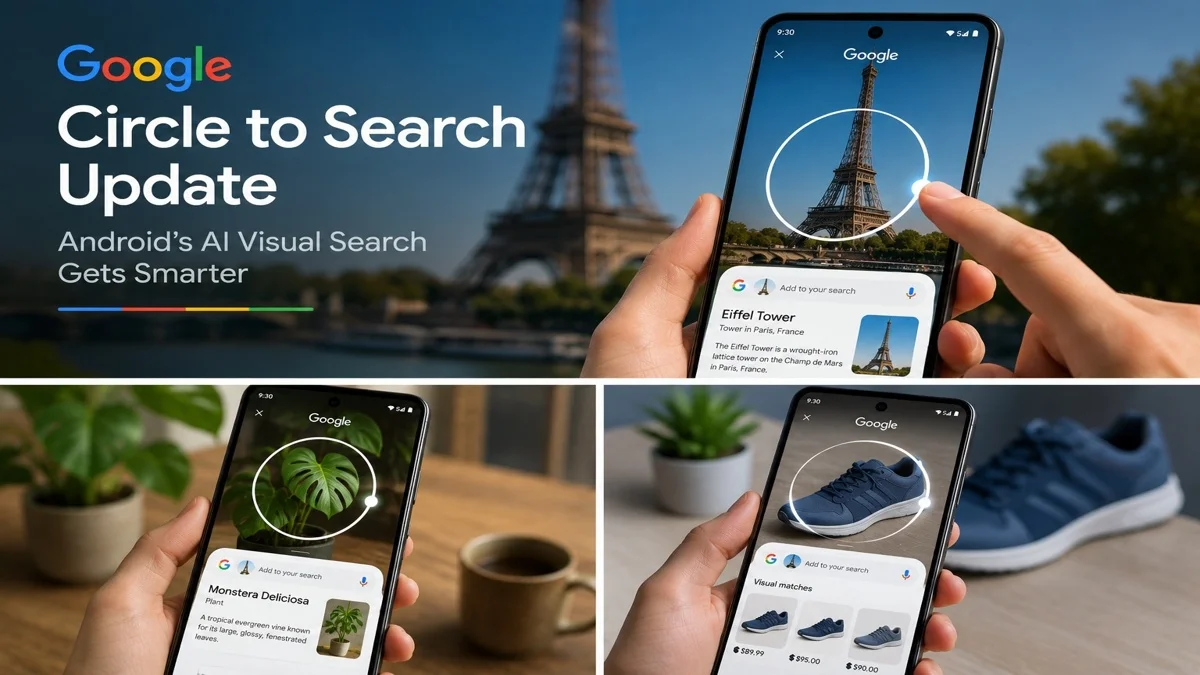
Circle to Search is one of the most useful Android AI tools in 2026. It lets users search anything on the screen without leaving the app they are using. Users can circle, tap, highlight or scribble over an object, word or image to get instant results.
This is helpful because many searches now start visually. People see products in videos, outfits on social media, places in photos and text inside apps. Instead of typing a long query, users can simply select what they see.
Google’s official Android page explains that Circle to Search helps users search what appears on their phone screen without switching apps. This makes it one of the easiest AI tools for everyday Android users.
You can also read our full Mobile Verse guide on the Circle to Search update for a deeper explanation.
Multi-Object Visual Search
One of the newer improvements is multi-object visual search. This means Android users can search more than one item in an image instead of repeating the process again and again.
For example, if someone sees a full outfit in a photo, they may be able to identify different clothing items together. If a table has several gadgets, users can search multiple items from the same screen.
This makes visual search more useful for shopping, fashion, study materials and travel. It also shows how Android AI is becoming better at understanding real-world images, not only single objects.
Fake Call Detection for Android Users
Fake call detection is one of the most important Android AI features 2026 for phone safety. Scammers can now spoof numbers and even use AI voice tools to sound like someone the victim knows.
Google’s Phone app is rolling out a feature that can warn users when a call appears to come from a trusted contact but lacks the right verification signals. Reports say the system uses encrypted RCS-based verification and starts with Pixel devices running Android 12 or newer.
This feature is important because many people still trust caller ID. However, caller ID can be faked. Android’s new warning gives users a chance to stop, think and verify before sharing money, codes or personal details.
You can read our full guide on Android fake call detection to learn how it works.
AI Scam Protection on Android
AI scam protection is another major part of Android’s future. Scams are becoming more personal, urgent and realistic. They may appear as fake bank alerts, delivery messages, job offers, voice calls or social media messages.
Android AI scam protection can help by detecting suspicious patterns and warning users before they take risky actions. This may include fake call warnings, fraud alerts, suspicious app detection and stronger Play Protect checks.
Google’s 2026 Android security updates focus on AI-powered safeguards against scams, fraud and suspicious mobile threats. This shows that Android security is moving from basic protection to smarter real-time safety.
For a complete breakdown, read our Mobile Verse guide on Android AI scam protection.
Google Photos Digital Wardrobe
Google Photos Digital Wardrobe is one of the most interesting lifestyle-focused Android AI tools. Instead of only storing pictures, Google Photos can use AI to identify clothes from a user’s photo library and organise them into a digital wardrobe.
This can help users plan outfits, rediscover clothes they already own and create looks more easily. It also shows how Google is turning normal apps into smarter personal tools.
The June Android Drop reportedly includes Google Photos Digital Wardrobe alongside other AI features, with rollout depending on region, account type and app availability.
You can read our full article on Google Photos Digital Wardrobe to understand how this AI wardrobe feature works.

AI Reading Tools and Book Insights
Android AI features 2026 are also improving reading and learning. AI book insights can help users understand books, summaries and written content more quickly.
This could be helpful for students, casual readers and people who want quick context before choosing a book. Instead of reading long descriptions or reviews, users may get clearer AI-assisted information.
This feature fits Google’s wider direction. Android is not only using AI for search and security. It is also using AI to support learning, discovery and everyday decision-making.
Smarter Google Assistant and Gemini Tools
Gemini is becoming a bigger part of Android’s AI future. Google is placing Gemini across apps and services so users can get more personal help from their phones.
In 2026, Android users can expect Gemini-powered tools to become more useful for summarising, planning, writing, searching and managing tasks. This could make phones feel more like personal assistants.
However, availability may vary by device and region. Some Gemini tools may arrive first on Pixel phones or selected premium Android devices before expanding more widely.
Android AI Features for Photos and Images
AI is also changing how Android handles photos and images. Google Photos can already search images by people, places, objects and text. Newer AI tools make the app more useful for organising, editing and understanding visual content.
Features like Digital Wardrobe show how photo apps can become practical daily tools. Instead of simply saving memories, Google Photos can help users find items, plan outfits and manage visual information.
This is important because most phone users take many photos but rarely organise them properly. AI can make those large photo libraries more searchable and useful.
Android AI Features for Shopping
Shopping is another area where Android AI is becoming useful. Circle to Search can help users identify products from social media, videos, websites and images. It can also help users compare similar items and discover alternatives.
For example, if someone sees a phone case or smartwatch in a video, they can circle it and search instantly. This removes the need to take screenshots or guess keywords.
As Android visual search improves, shopping from the screen may become much faster. However, users should still compare prices, check seller trust and avoid suspicious links.
Android AI Features for Travel
AI tools can also help Android users while travelling. Visual search can identify landmarks, translate signs, explain menu items and provide quick context about places.
This is helpful because travellers often see things they cannot easily describe in words. With screen-based and camera-based search, users can get answers faster.
In addition, AI-powered safety tools can help protect travellers from suspicious messages, fake booking links and scam calls while they are away from home.
Android AI Features for Everyday Safety
Everyday safety is becoming one of Android’s strongest AI use cases. Features like scam detection, fake call warnings and app threat protection can help users avoid common mobile risks.
This matters because scams do not only target tech beginners. Anyone can be tricked when a message looks urgent or a call sounds familiar.
Android AI can reduce that risk by giving users real-time warnings. However, users should still stay careful and never share passwords, PINs or one-time passcodes during calls or chats.
Which Phones Will Get These Android AI Tools?
Not every Android phone will receive every AI feature at the same time. Some tools launch first on Pixel devices, while others appear on Samsung Galaxy phones or selected Android models.
Many Google features also arrive through app updates, Google Play services and server-side rollouts. Therefore, two users with the same Android version may not always receive a feature on the same day.
To improve your chances, keep Android updated, update Google apps from the Play Store and check whether your device supports the latest Google AI tools.
How to Prepare Your Phone for Android AI Features
Android users can prepare by keeping their phones updated. First, check for system updates in Settings. Then update Google apps such as Google, Google Photos, Phone by Google and Google Play services.
It is also smart to review privacy settings. AI features are useful, but users should understand what data they share and which permissions they allow.
Finally, keep security features turned on. Google Play Protect, spam detection and caller ID tools can make a big difference in daily protection.

Privacy and Android AI in 2026
Privacy will remain a major question as Android AI becomes more powerful. Some users may worry about how their phone analyses calls, messages, screen content or photos.
Google says many security features are designed with privacy in mind, including protections that use on-device processing where possible. Still, users should always check app permissions and account settings.
The best approach is balance. Use AI tools that genuinely help, but avoid enabling features you do not understand or trust.
Android AI Features 2026 vs Older Phone Tools
Older phone tools usually waited for users to take action. For example, users had to search manually, report spam manually or organise photos manually.
Android AI features 2026 are different because they can assist more naturally. They can warn users, understand screen content, identify objects, organise photos and support decisions in real time.
This makes Android feel more proactive. Instead of only responding to commands, the phone can help at the moment users need support.
What Android AI Means for the Future of Phones
Android AI is moving phones toward a more assistant-like future. Instead of opening separate apps for every task, users may get help directly inside the screen they are using.
Search, safety, photos, shopping, reading and productivity may all become more connected. This could save time and make phones easier to use.
However, Google and Android brands will need to keep accuracy, privacy and user control at the centre of these tools. AI should make phones more helpful, not more confusing.
Final Thoughts
Android AI features 2026 show that Google is turning Android into a smarter and safer mobile platform. Circle to Search helps users find information faster. Fake call detection helps protect against spoofed calls. Google Photos Digital Wardrobe makes photo libraries more useful. AI scam protection adds another layer of mobile safety.
For everyday users, these tools can save time, reduce risk and make phones feel more personal. Therefore, Android AI is not just a trend. It is becoming the next major stage of smartphone development.
Overall, the best step is simple: keep your Android phone updated, use trusted Google apps and explore new AI features as they arrive.
FAQs
What are Android AI features 2026?
Android AI features 2026 are Google’s latest AI-powered tools for search, calls, photos, security, reading and everyday phone use.
Which Android AI feature is most useful?
Circle to Search is useful for quick visual search, while fake call detection and scam protection are important for mobile safety.
Will all Android phones get these AI tools?
No, availability depends on device model, Android version, region, Google app updates and rollout timing.
Are Android AI features safe to use?
Most features are designed with privacy and security in mind. However, users should review permissions and only enable tools they trust.
How can I get new Android AI features?
Update your Android system, Google apps, Google Play services and security settings regularly to improve your chances of receiving new features.