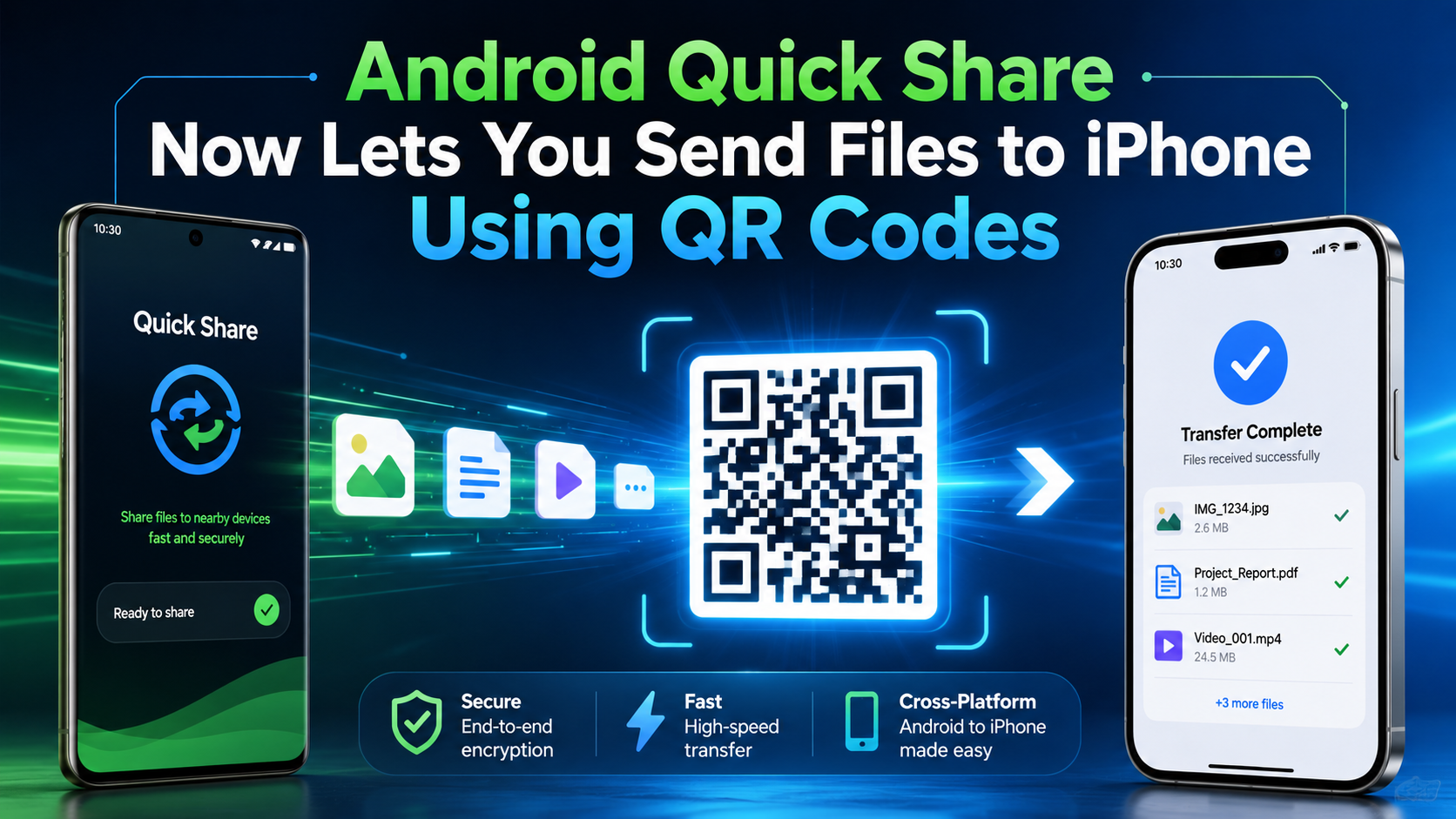
Android Quick Share Now Lets You Send Files to iPhone Using QR Codes
 By Inflix
 Android Quick Share is becoming a much better tool for people who want to send files from Android phones to iPhones. Sharing photos, videos, and documents between Android and iPhone has always felt harder than it should. However, Google’s new QR code sharing option can make this process faster, simpler, and more useful for everyday users.
Google is rolling out a new QR code-based Quick Share feature that allows Android users to send files to iPhone users more easily. According to recent reports, this method works without needing an extra app on the iPhone, which makes it a useful upgrade for everyday users.
What Is Android Quick Share?
Android Quick Share is Google’s file-sharing tool for Android devices. It works in a similar way to Apple AirDrop, allowing users to send photos, videos, links and documents between nearby devices.
Until recently, cross-platform sharing between Android and iPhone was limited. Google previously introduced Quick Share support with AirDrop on selected Pixel devices, starting with the Pixel 10 family. Google’s official Android page also says Quick Share can work with AirDrop on compatible Android devices to share files with iPhones.
Now, the QR code method gives more Android users another way to share files with iPhone users.
How Android-to-iPhone QR Code Sharing Works
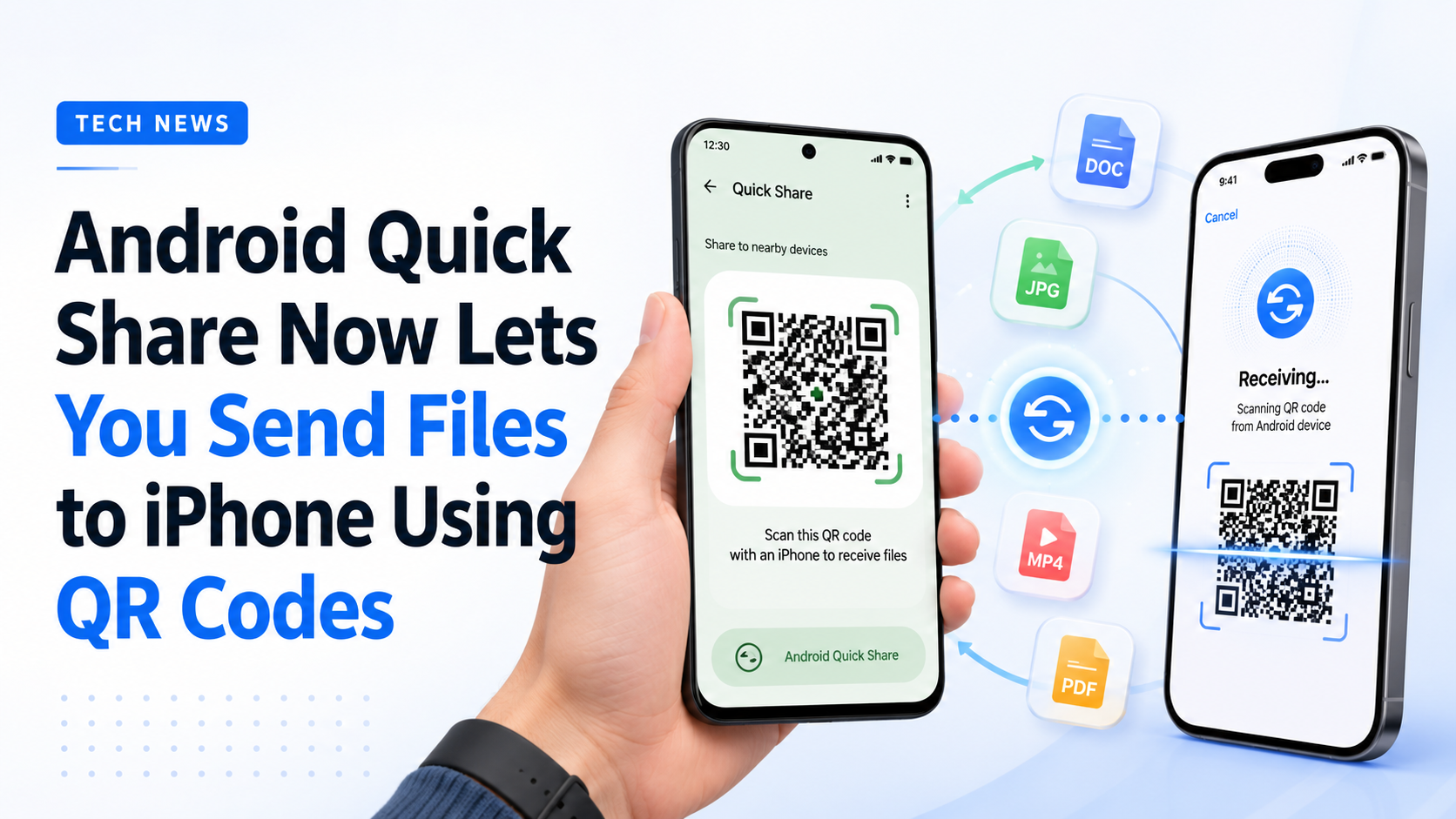
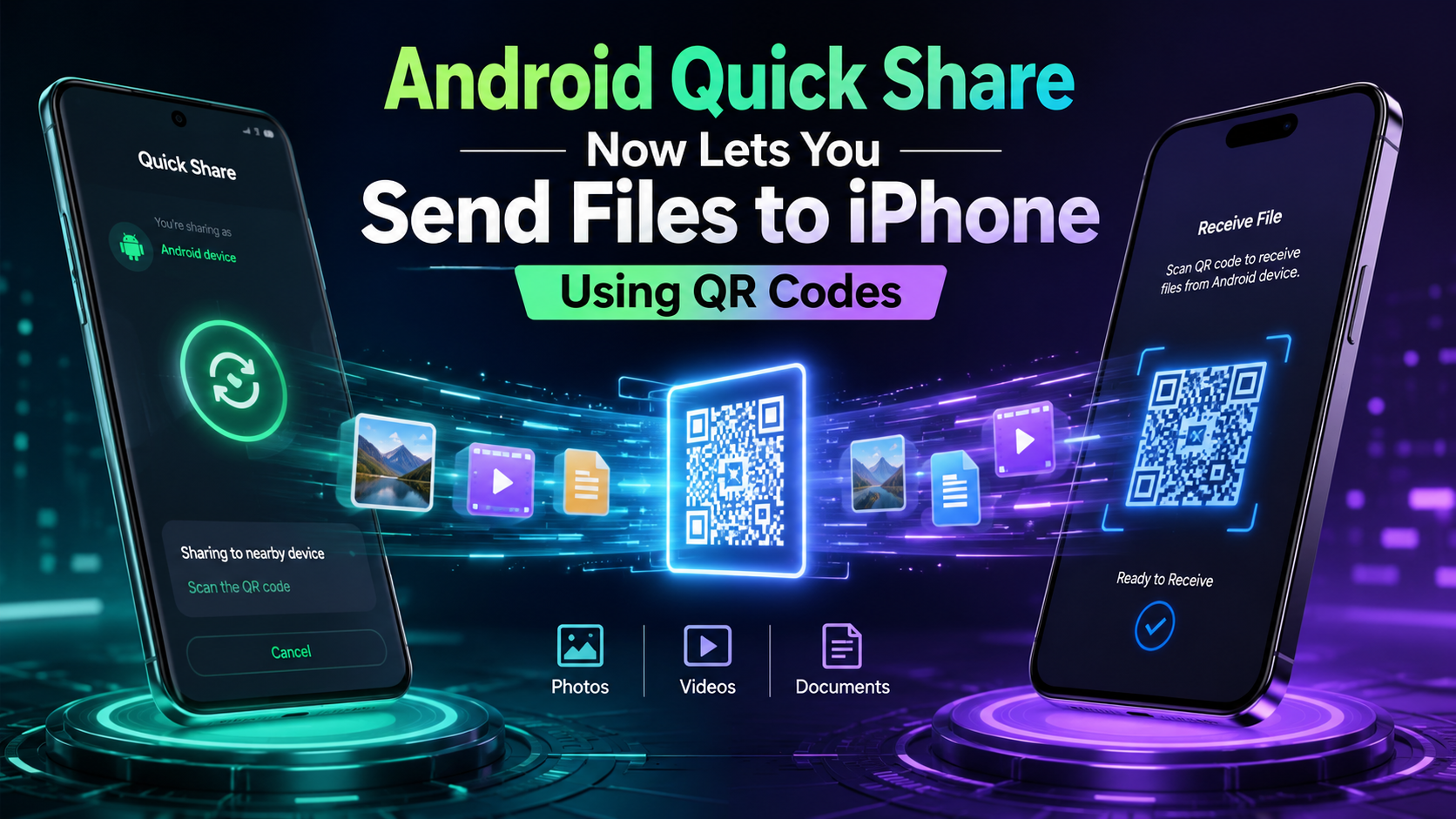
The new system is simple. An Android user chooses a file through Quick Share and then generates a QR code. The iPhone user scans that QR code and downloads the shared file.
This means the iPhone user does not need to install a separate sharing app. As a result, the process feels easier for people who often move files between Android and Apple devices.
In simple steps, it works like this:
- Open the file on your Android phone.
- Tap the share button.
- Choose Quick Share.
- Select the QR code sharing option.
- Let the iPhone user scan the QR code.
- The file can then be downloaded on the iPhone.
This is especially useful for sharing photos, videos, PDFs, screenshots, and work documents.
Why This Android Quick Share Update Matters
This update matters because Android and iPhone users often live in the same home, school, office or friend group. However, sending files between both platforms has never been as smooth as sending files between two iPhones.
For example, iPhone users can use AirDrop quickly. Android users can use Quick Share easily. But when one person has Android and the other has iPhone, the process often becomes messy.
Therefore, QR code sharing helps reduce that gap. It gives Android users a faster and more direct way to send files to iPhone users.
Does It Work Like AirDrop?
Not exactly. AirDrop-style direct sharing is already available on selected Android devices, but the QR code method works differently. Reports suggest the QR code option may use a download-based system rather than a full direct device-to-device AirDrop transfer.
Still, for normal users, the result is what matters most. If the file sends quickly and the iPhone user does not need another app, it is already a big improvement.
Which Android Phones Will Support It?
Google has already said it plans to expand Quick Share compatibility to more Android brands, including Samsung, OPPO, OnePlus, Vivo, Xiaomi and HONOR devices in 2026.
However, availability can depend on your phone model, region and software version. So, users should keep Google Play services, Android system apps and device software updated.
Best Uses for Android to iPhone QR Code Sharing
This feature can be helpful in many daily situations. For example, you can use it when sending holiday photos to an iPhone user, sharing a PDF in a meeting, sending screenshots to a friend or moving short videos without using WhatsApp compression.
In addition, it can help students and office workers who often need quick file transfers between mixed devices.
Is Android Quick Share Safe?
Google says Quick Share is designed for easy and secure file sharing. However, users should still follow basic safety rules. Only scan QR codes from people you trust. Also, avoid accepting unknown files from strangers in public places.
For sensitive documents, it is better to double-check the sender and file name before downloading anything.
You can also read our latest guide on AI phones in 2026 to understand how Android devices are becoming smarter with AI features, faster sharing tools and better cross-device support.
FAQs
What is Android Quick Share?
Android Quick Share is a file-sharing feature that lets Android users send photos, videos, links and documents to nearby devices.
Can Android users now share files with iPhones?
Yes, Google is rolling out QR code-based Quick Share support that allows Android users to send files to iPhone users more easily.
Does the iPhone need an extra app?
According to current reports, the iPhone user does not need a separate app for the QR code method. They can scan the code and download the file.
Is Android Quick Share the same as AirDrop?
It is similar in purpose, but not always the same in method. Some supported Android phones can work with AirDrop, while the QR code method gives another way to send files to iPhone users.
Why is this update important?
It makes Android-to-iPhone file sharing easier, especially for photos, videos, documents and quick transfers between friends, family and work users.
Final Thoughts
Android Quick Share is becoming more useful for people who regularly share files with iPhone users. The new QR code sharing option may not be perfect, but it removes a major headache from everyday file transfers.
Overall, this update is good news for Android users. It makes sharing faster, simpler and more practical, especially in a world where many people use different phone brands.