Top 5 New AI Features in Android 16 Announced by Google
 By Inflix
 Introduction
Android 16 AI features are becoming the main reason why smartphones feel smarter in 2026. Google is no longer adding small upgrades. Instead, it is rebuilding Android around artificial intelligence.
With Android 16, AI is deeply integrated into everyday tasks like messaging, searching, and app usage. As a result, users will experience faster performance, better personalization, and smarter automation.
In this article, we will break down the top 5 AI features in Android 16 and explain what they actually mean for real users.
1. Smart Context Awareness in Android 16 AI Features
One of the biggest upgrades in Android 16 AI features is context awareness. Your phone now understands what you are doing and predicts your next action.
For example, if you open a food app at night, your phone may suggest your usual order. Similarly, if you are heading to work, it can automatically show traffic updates.
This is not basic automation. It is real-time AI learning your habits and adapting instantly.
2. AI Messaging in Android 16 AI Features
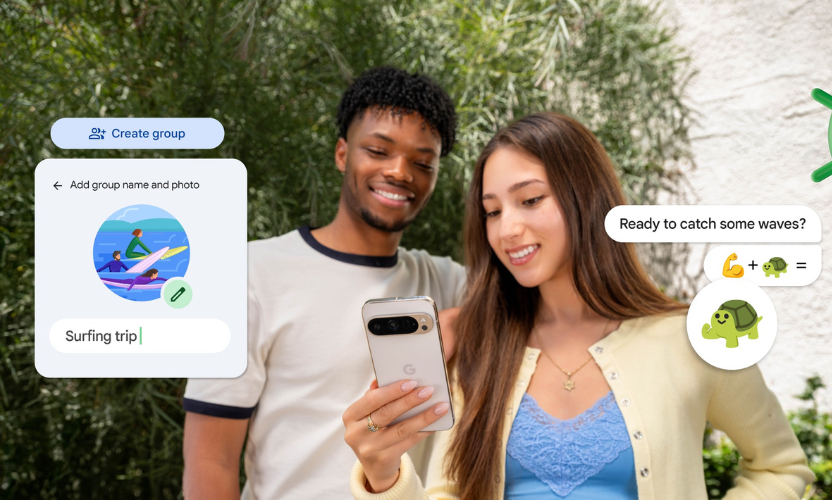
Android 16 AI features improve messaging in a noticeable way. The system can now generate replies that match your tone and style.
Instead of generic suggestions, the AI learns how you usually communicate. Therefore, replies feel more natural and personal.
Additionally, it can summarise long chats, highlight key points, and even suggest actions, such as scheduling a meeting.
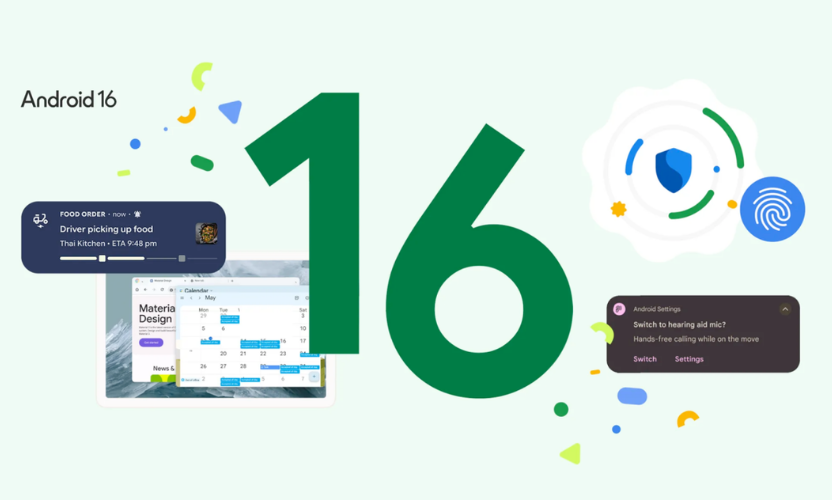
3. On-Device AI Processing for Speed and Privacy
Google is pushing heavily toward on-device AI in Android 16. This means most AI tasks happen directly on your phone instead of the cloud.
As a result, everything becomes faster and more secure. Your data does not need to leave your device for processing.
This shift also reduces lag. Tasks like voice commands, translations, and image editing now feel almost instant.
4. AI Search in Android 16 AI Features
Search is no longer limited to Google. Android 16 AI systems bring system-wide AI search.
You can now search across apps, messages, files, and settings using natural language.
For instance, you can type the following:
“Show me photos from last weekend with friends.”
The AI understands the request and delivers accurate results without manual filtering.
5. Real-Time AI Assistance with Google Assistant Upgrade
Google Assistant is getting a major upgrade with Android 16 AI tools. It is becoming more proactive instead of reactive.
The assistant can now:
- Suggest actions before you ask
- Complete multi-step tasks
- Manage apps automatically
For example, it can plan your day, send messages, and set reminders without constant input.
Why Android 16 AI System Matters
These Android 16 AI tools are not just upgrades. They represent a shift in how smartphones work.
Instead of waiting for commands, your phone now thinks ahead. It reduces effort, saves time, and improves efficiency.
However, this also raises questions about privacy and control. Users will need to decide how much AI access they are comfortable with.
Final Thoughts
Google’s AI technology clearly show that the future of smartphones is AI-first. Google is not experimenting anymore. It is setting a new standard.
If these features perform as promised, Android devices will become more intelligent than ever before.
The real question is not whether AI will dominate smartphones. That has already happened. The real question is how much control users will keep.
FAQs
What are AI features in Android 16?
AI features in Android 16 are advanced tools powered by artificial intelligence that improve performance, automation, and user experience.
Is Android 16 focused on AI?
Yes, Android 16 is heavily focused on AI integration across the entire system.
Will Android 16 improve phone speed?
Yes, on-device AI processing makes tasks faster and reduces delays.
Is Android 16 safe for privacy?
It improves privacy by processing more data on-device, but users still need to manage permissions carefully.
For more updates on Android and AI technology, explore our latest smartphone news and detailed guides on upcoming mobile innovations.
To learn more about official Android updates and announcements, visit the official Android website for the latest information.