One UI 8.5 Update Brings Big Changes to Galaxy S24 Ultra
 By Inflix
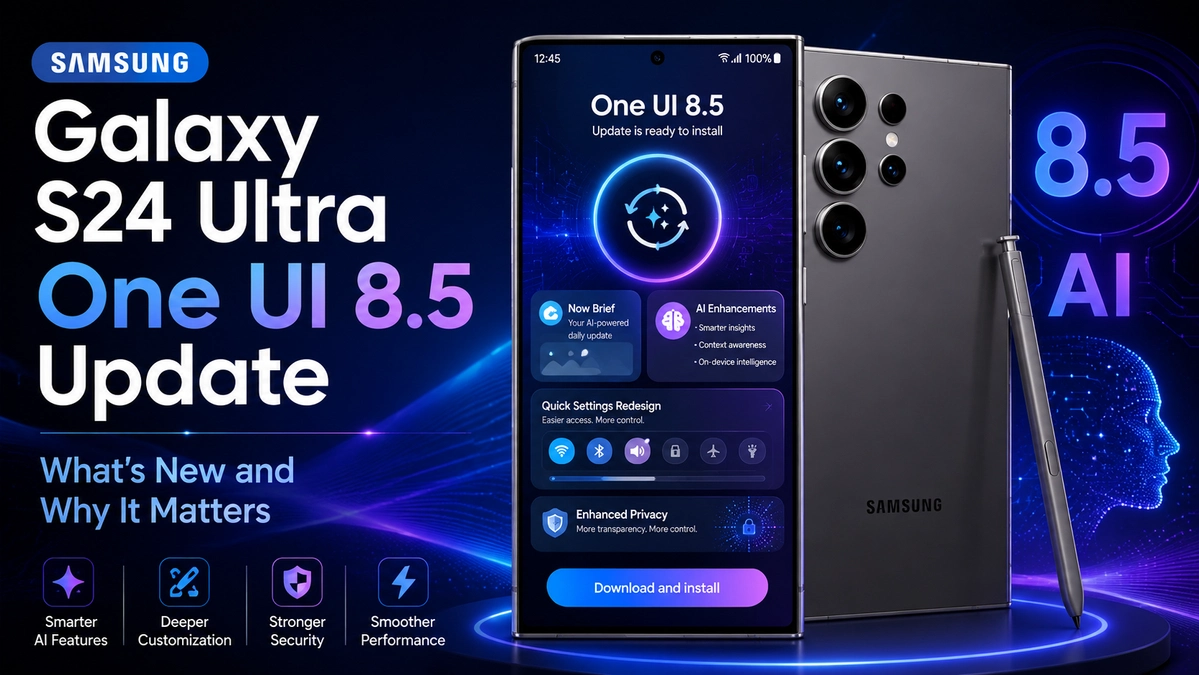
 Samsung’s One UI 8.5 update is bringing useful improvements to the Galaxy S24 Ultra. This is not just a small background update. Instead, it focuses on better AI tools, smoother multitasking, improved sharing, cleaner design and a more polished daily experience.
The Galaxy S24 Ultra already has powerful hardware, a bright display, strong cameras and long software support. However, One UI 8.5 helps the phone feel fresh again without forcing users to upgrade to a newer Samsung flagship.
For many Galaxy users, this update matters because software can change how a phone feels in daily life. Better app switching, smarter call tools, improved Quick Share and more personalisation can make the S24 Ultra more useful for work, travel, study and entertainment.
According to recent hands-on coverage from Android Authority, the Galaxy S24 Ultra update includes better multitasking, Call Screening, Quick Panel changes and smoother overall use.
One UI 8.5 Brings Better Multitasking
Multitasking is one of the most useful changes in One UI 8.5. The Galaxy S24 Ultra has a large display, so users expect it to handle more than one app easily. With this update, split-screen mode, floating windows and app resizing feel more practical.
For example, you can watch YouTube while checking notes. You can reply to emails while reading a document. You can also compare products in a browser while messaging someone. As a result, the phone feels more helpful for real daily tasks.
This is especially useful for students, business users, creators and anyone who uses their phone like a small productivity device.
Galaxy S24 Ultra Feels More Polished
The Galaxy S24 Ultra was already fast, but the latest Samsung update helps the software feel smoother. App switching, menu animations and daily gestures feel more refined.
This matters because performance is not only about processor power. A premium phone should feel smooth when you unlock it, open apps, switch screens and use settings. Therefore, Samsung’s latest update helps the Galaxy S24 Ultra feel more modern in everyday use.
For users planning to keep the phone for another year or two, this is a strong improvement.
One UI 8.5 Improves Quick Share
Quick Share is another important part of One UI 8.5. Many users share photos, videos, documents and screenshots between phones, tablets and laptops. Therefore, better sharing can save time and reduce frustration.
Reports suggest that Samsung is improving Quick Share with more convenient cross-device support. This is helpful because many Galaxy users also need to share files with people using other platforms.
For everyday users, this could be one of the most practical upgrades. It makes sharing feel easier, especially when sending large photos or videos.
Galaxy AI Gets More Useful
Samsung is also making Galaxy AI more helpful. The Galaxy S24 Ultra was one of the first Samsung phones built around Galaxy AI, so it makes sense that Samsung continues to improve these tools through updates.
One useful feature is Call Screening. This can help manage unknown calls and reduce interruptions from spam or unwanted numbers. Instead of answering every call yourself, the phone can help collect basic information first.
In addition, AI tools can support editing, communication and smarter suggestions. However, the real value is not just having AI features. The value is making those tools easier to use in normal daily life.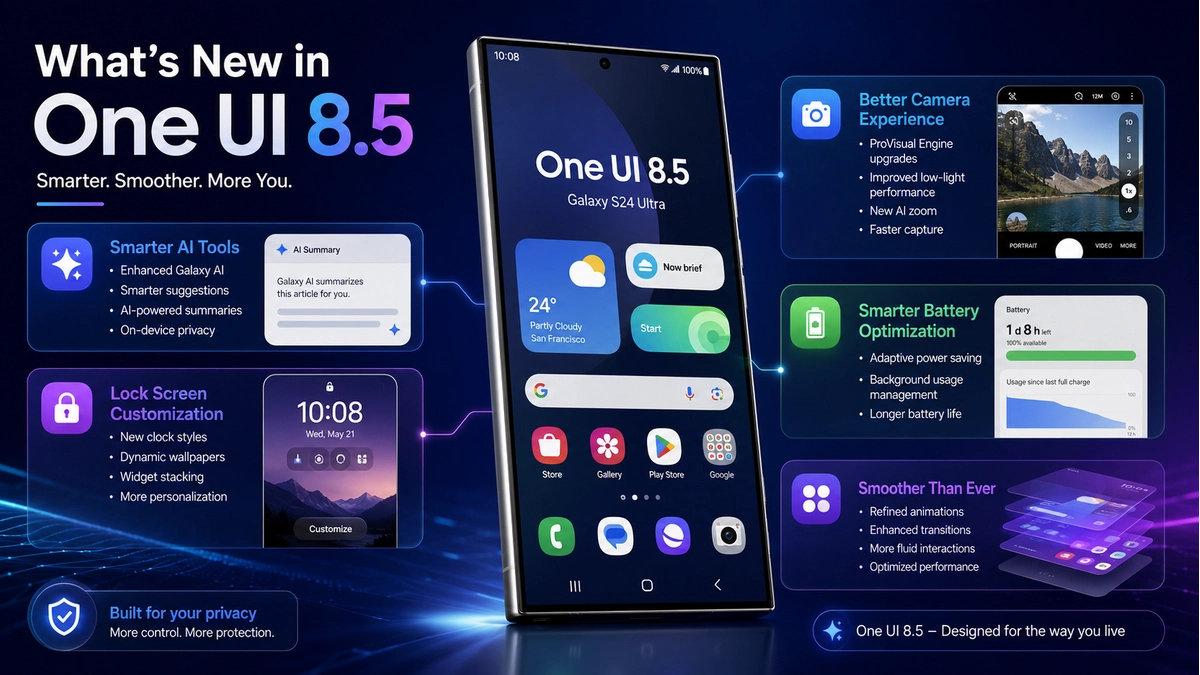
One UI 8.5 Adds a Cleaner Quick Panel
The Quick Panel is one of the most-used areas on any Samsung phone. Users open it every day to control Wi-Fi, Bluetooth, brightness, sound, hotspot, battery saver and screen recording.
With One UI 8.5, the Quick Panel becomes cleaner and easier to manage. Users can keep important controls closer and reduce clutter from options they do not use often.
This is a small change, but it matters because people open the Quick Panel many times a day. A cleaner layout can make the phone feel faster and more comfortable.
Lock Screen Customisation Looks Better
Samsung has also improved lock screen customisation. Users can expect more options for clock styles, layouts and visual appearance.
This helps the Galaxy S24 Ultra feel more personal. The lock screen is the first thing people see when they pick up the phone, so better customisation can improve the overall experience.
Although this is not a complete redesign, it still makes the software feel fresher and more modern.
Battery Life and Daily Optimisation
Battery life is always important when a new update arrives. Some users worry that major software updates can cause faster battery drain. However, early feedback suggests that the Galaxy S24 Ultra feels well optimised after the update.
Still, battery performance can vary from user to user. It depends on display brightness, apps, mobile signal, background activity and personal usage. Also, after installing a major update, the phone may need a few days to optimise apps in the background.
Therefore, users should not judge battery life immediately after installation. Give the phone some time to settle before making a final opinion.
Design Changes Make the Phone Feel Fresh
Samsung’s latest update also improves the visual experience. The interface feels cleaner, menus look more polished and animations appear smoother.
This is important because design affects how modern a phone feels. The Galaxy S24 Ultra has excellent hardware, but software design plays a big role in the user experience.
Samsung has not completely changed the full interface, which is a good thing. Instead, it has improved the familiar Galaxy design so users can enjoy a fresher look without feeling confused.
One UI 8.5 Helps Extend the Life of the S24 Ultra
One UI 8.5 is important because it helps extend the value of the Galaxy S24 Ultra. Flagship phones are expensive, so users want them to stay useful for several years.
This update gives users better features without needing a new phone. As a result, the Galaxy S24 Ultra remains a strong choice even as newer Samsung models arrive.
Long-term software support is also important for trust. When Samsung keeps improving older flagships, buyers feel more confident about staying with Galaxy devices.
Should You Install the Update?
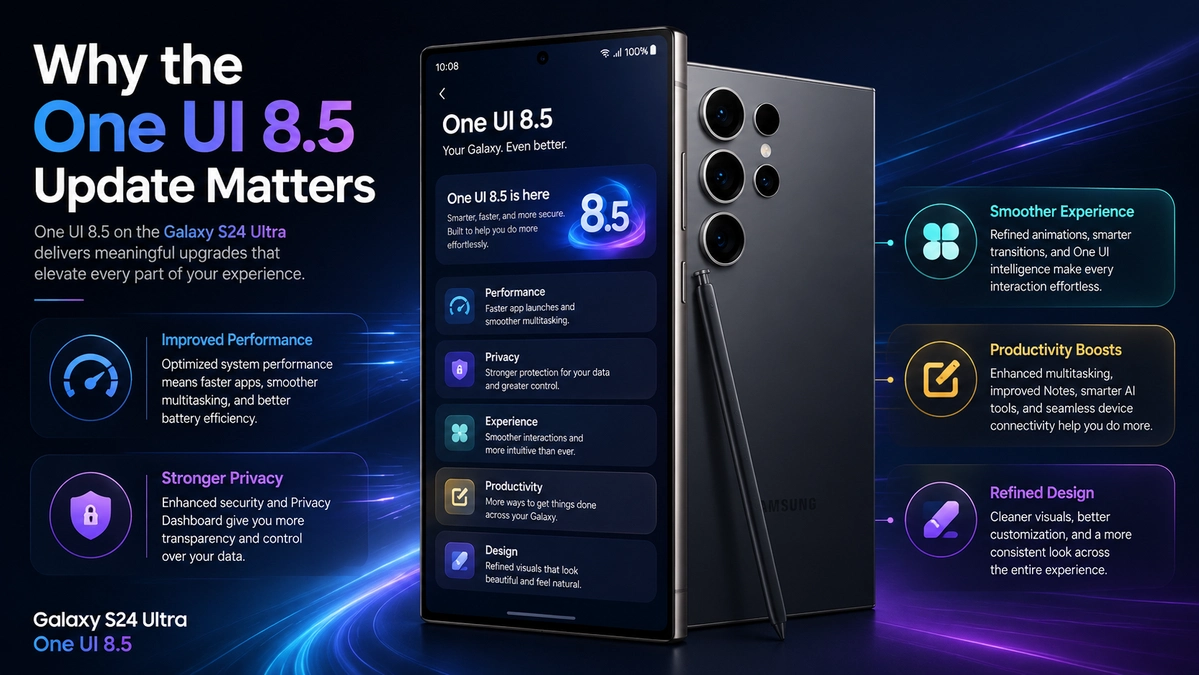
Most Galaxy S24 Ultra users should install the update when it becomes available. It brings practical improvements to multitasking, AI tools, sharing, customisation and daily performance.
However, users who rely on important work apps may want to wait a few days and check early user feedback first. This is a safe approach with any major software update.
For most people, the update looks worthwhile because it improves the phone in ways users can notice every day.
How to Check for the Update
To check manually, open Settings on your Galaxy S24 Ultra. Then go to Software update and tap Download and install.
If the update is available in your region, your phone will show the download option. However, Samsung updates often roll out in stages, so some users may receive it later than others.
Before installing, charge your phone, connect to stable Wi-Fi and make sure you have enough storage. In addition, back up important photos, videos and documents before installing a major update.
Final Thoughts
One UI 8.5 makes the Galaxy S24 Ultra feel smoother, smarter and more useful. The biggest improvements include better multitasking, improved Quick Share, smarter Galaxy AI tools, a cleaner Quick Panel, lock screen customisation and smoother performance.
This update is not only for advanced users. It also improves everyday tasks like sharing files, managing calls, switching apps and personalising the phone.
Overall, the Galaxy S24 Ultra remains a strong flagship, and Samsung’s latest software update gives users another reason to keep using it with confidence.
For more Samsung updates and Android guides, keep reading Mobile Verse for the latest smartphone news, Galaxy AI updates and Android software coverage.
FAQs
What is One UI 8.5?
One UI 8.5 is Samsung’s software update for supported Galaxy phones. It brings AI improvements, better multitasking, smoother design, Quick Share upgrades and more customisation.
Is the Galaxy S24 Ultra getting this update?
Yes, the Galaxy S24 Ultra is one of the supported Samsung phones expected to receive this latest software update, although availability can vary by country and carrier.
What are the main Galaxy S24 Ultra changes?
The main changes include better multitasking, improved Quick Share, Galaxy AI upgrades, Call Screening, cleaner Quick Panel controls and smoother daily performance.
Does the update improve battery life?
Battery life may feel stable after the update, but results can vary. Apps, signal strength, brightness and background activity can all affect battery performance.
Should I install One UI 8.5?
Yes, most users should install One UI 8.5 when it arrives. However, if you use important work apps, wait a few days and check user feedback first.