Google Pixel 10 AI Features: What Android Users Can Expect
 By Inflix
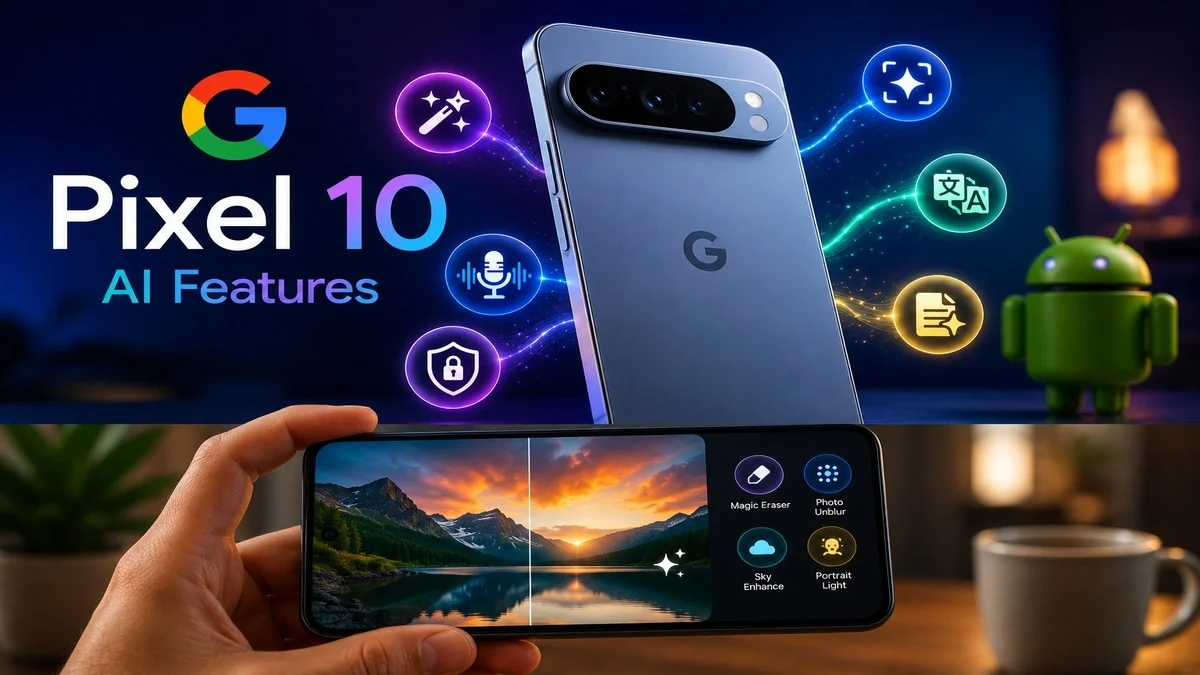
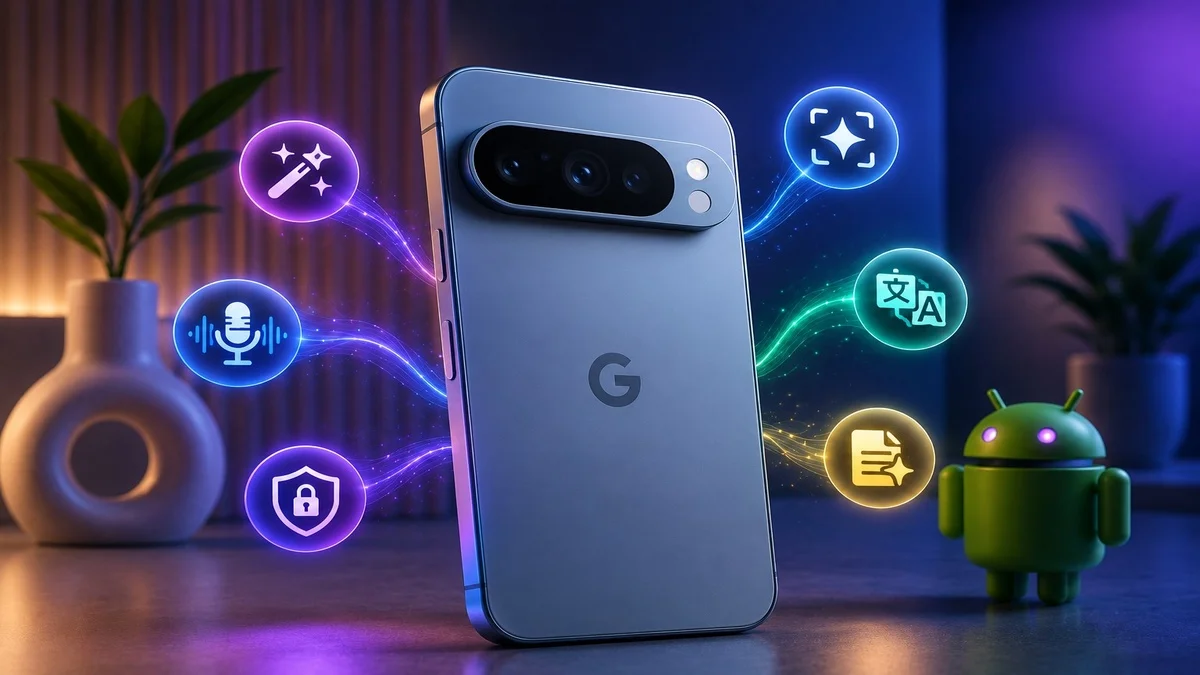
 Pixel 10 AI features show how serious Google is about turning Android phones into smarter personal assistants. Instead of focusing only on hardware upgrades, Google is using Gemini, on-device AI and camera intelligence to make the Pixel 10 feel more helpful in daily life.
This matters because smartphones are changing quickly. Users no longer want only a better screen or faster processor. They also want a phone that can understand context, improve photos, translate calls, answer questions and save time.
For Mobile Verse readers, Pixel 10 is important because it gives us a clear look at where Android AI is heading next.
What Are Pixel 10 AI Features?
Pixel 10 AI features are Google’s latest smart tools built into the Pixel 10 series. These features use Gemini, Tensor G5 and on-device AI to help users with calls, photos, search, writing, notes and everyday tasks.
Google says the Pixel 10 uses its Tensor G5 chip and Gemini Nano model to power several AI experiences, including Magic Cue, Voice Translate and Gemini Live. These tools are designed to make the phone more useful without forcing users to open separate apps every time.
In simple words, Pixel 10 AI is not just one feature. It is a full set of smart tools across the phone.
Why Google Pixel 10 AI Matters
Google Pixel 10 AI matters because it shows the future direction of Android. Google is placing AI inside normal phone actions like taking photos, making calls, searching content and managing information.
This is different from older phones, where users had to manually open apps and do everything themselves. With Pixel 10, AI can assist more naturally in the background.
For example, the phone may suggest useful information, improve a photo, translate a call or help answer a question based on what the user is doing. As a result, Pixel 10 feels less like a normal smartphone and more like a personal assistant.
Magic Cue Could Be the Most Useful Pixel 10 Tool
Magic Cue is one of the most interesting Pixel 10 AI tools. It is designed to bring helpful information to users at the right time.
For example, if a friend asks about a flight, restaurant booking or event detail, Magic Cue may surface relevant information from your apps so you do not need to search manually. This can save time during messages, calls or planning.
The key idea is context. Instead of waiting for users to dig through emails, calendars or apps, Pixel 10 can help bring useful details forward.
This could become one of the most practical AI features because it fits daily phone use.
Gemini Live Brings Visual Help to Pixel 10
Gemini Live is another major feature on Pixel 10. It can help users talk with Gemini more naturally and get visual assistance through the phone.
For example, users may ask Gemini about something they see through the camera or on the screen. This can help with learning, travel, shopping, problem-solving and everyday questions.
This feature connects closely with Google’s wider Android AI direction. Search is becoming more visual and conversational, and Pixel 10 is one of the phones built to show that experience clearly.
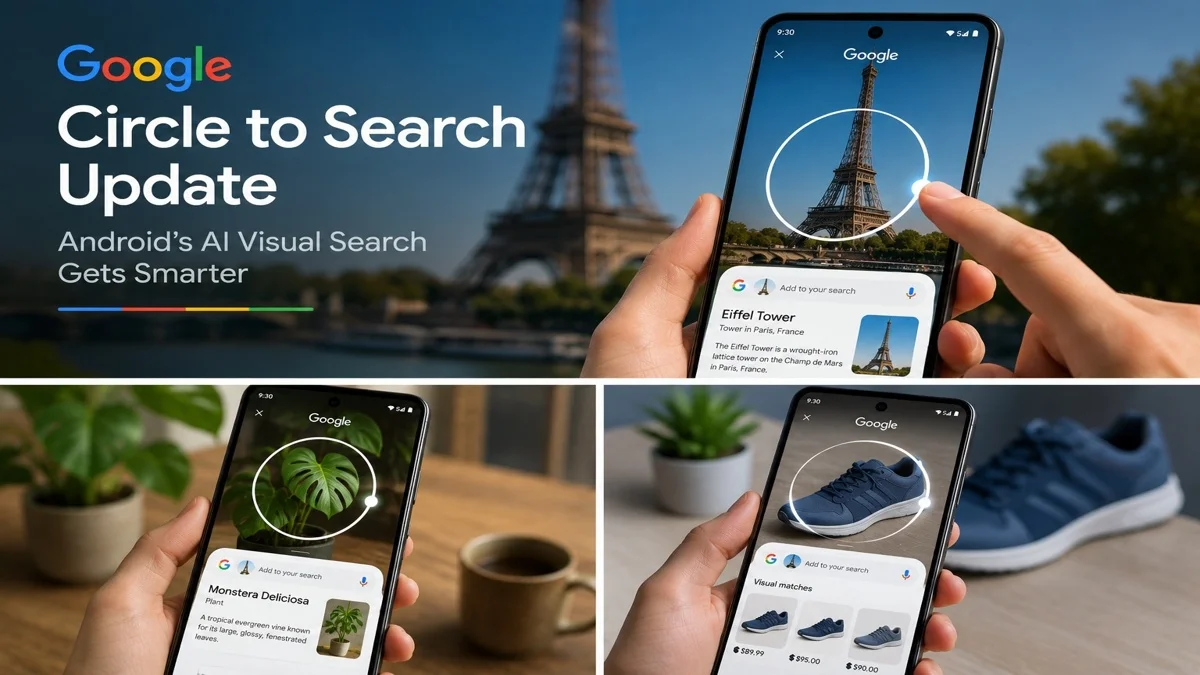
You can also read our guide on the Circle to Search update to see how Google is making Android visual search smarter.
Voice Translate Makes Calls Easier
Voice Translate is one of the most useful Pixel 10 AI features for communication. It is designed to translate phone calls in real time, which can help users speak with people who use different languages.
This could be useful for travel, business calls, family conversations and customer support. Instead of using a separate translation app, users may get help directly during the call.
Google says Pixel 10 includes Voice Translate as part of its AI feature set, powered by Tensor G5 and Gemini Nano. That makes the feature feel more integrated into the phone experience.
Pixel 10 AI Camera Features
The Pixel camera has always been one of Google’s strongest selling points, and Pixel 10 continues that direction with more AI help.
Google has highlighted AI camera tools such as Camera Coach and Auto Best Take. Camera Coach can help users improve framing, angles and composition, while Auto Best Take can help create better group photos.
These features are important because many users want great photos but do not always know how to capture the best shot. AI can guide them in the moment, which makes photography easier.
Camera Coach Can Help Users Take Better Photos
Camera Coach is designed to act like a smart photography guide. It can analyse a scene and suggest ways to improve the shot.
For example, it may suggest changing the angle, moving closer, adjusting framing or improving the composition. This can help users take better photos without learning professional photography rules.
For everyday users, this is very useful. It turns the camera app into a helpful guide rather than just a button for taking pictures.
Auto Best Take Improves Group Photos
Auto Best Take is another useful Pixel 10 camera feature. Group photos are often difficult because someone may blink, look away or smile at the wrong moment.
Auto Best Take can help combine the best expressions from similar shots so everyone looks better in the final image. This is the kind of AI feature that users may not think about until they need it.
For families, events and travel photos, it could become a very practical tool.
Pro Res Zoom and Better Detail
Pixel 10 also brings camera improvements around zoom and image detail. Google has promoted Pro Res Zoom as part of the Pixel 10 camera experience, helping users capture more detail from farther away.
Zoom is an important feature for concerts, travel, sports, landscapes and everyday photography. However, zoom quality can easily become blurry or noisy. AI processing can help improve detail and make zoom shots more usable.
This shows how Google is using software and AI to improve camera performance, not only relying on hardware.
Pixel 10 AI and Android Search
Pixel 10 AI features also connect with Android’s smarter search experience. Google is improving how users search by voice, image, screen content and context.
This matters because people often do not know exactly how to describe what they want. They may see a product, place, image or object and want instant answers.
Pixel 10 fits into this future by combining Gemini, visual search and Android AI tools. Users can expect search to feel more natural and less dependent on typing.
Pixel 10 and Android AI Safety
Google is also improving Android safety with AI-powered tools. While Pixel 10 is focused heavily on Gemini and camera intelligence, the wider Android ecosystem is also moving toward scam protection, suspicious app detection and safer calls.
This is important because AI is not only for convenience. It can also protect users from fake calls, fraud messages and risky mobile threats.
You can read our Mobile Verse guide on Android AI scam protection to understand how Google is making Android phones safer.
Pixel 10 and Google Photos AI
Google Photos is another key part of Pixel 10 AI. Google has been adding more AI editing, organisation and photo discovery tools into Photos.
Pixel devices often receive new Google Photos AI tools early. These can include smarter editing, image understanding and natural language photo improvements.
This connects with Google’s wider AI strategy. Photos are no longer only memories. They can become searchable, editable and more useful with AI.
You can also read our guide on Google Photos Digital Wardrobe to see how Google Photos is becoming more intelligent.
On-Device AI With Tensor G5
One important part of Pixel 10 is on-device AI. Google says the Tensor G5 chip and Gemini Nano help power Pixel 10 AI experiences.
On-device AI matters because some tasks can happen faster and more privately on the phone. It may also reduce the need to send everything to the cloud.
This does not mean every feature works fully offline. However, it does show that Google wants Pixel phones to handle more intelligence directly on the device.
Pixel 10 AI Features vs Older Pixel Phones
Pixel 10 AI features build on earlier Pixel tools such as Magic Editor, Call Screen, Recorder summaries and smarter photo features. However, Pixel 10 takes things further with more proactive and context-aware AI.
Older Pixel phones already proved that Google could use software to make phones smarter. Pixel 10 expands that idea across more areas, including calls, camera, search and personal assistance.
Some features may eventually come to older devices, while others may stay limited because they need newer hardware or the Tensor G5 chip.
Which Pixel 10 AI Features Are Most Useful?
The most useful Pixel 10 AI features depend on how you use your phone each day. Voice Translate is ideal for calls, especially when users need quick language support.
Camera Coach and Auto Best Take are better for photos because they help improve framing and group shots. Meanwhile, Magic Cue is useful for productivity because it can bring helpful information forward at the right moment.
Gemini Live is the strongest option for search and learning. Overall, Pixel 10 offers several smaller AI tools instead of relying on one main feature, so different users will find different tools more useful.
Should Android Users Care About Pixel 10 AI?
Android users should care about Pixel 10 AI even if they do not plan to buy a Pixel phone. Google often uses Pixel devices to introduce new Android features before they expand to more devices.
That means Pixel 10 can show what may later come to Samsung, OnePlus, Xiaomi, Motorola and other Android phones.
For example, features like Circle to Search and Google Photos tools started with selected devices and then expanded more widely. Therefore, Pixel 10 is important for the whole Android ecosystem.
Privacy and Pixel 10 AI Tools
Privacy is important because Pixel 10 AI features may work with calls, photos, messages, notes and personal information. Users should understand which features are on-device, which use cloud processing and what permissions are required.
Google says newer Pixel AI tools are built around the Tensor chip and Gemini Nano, which supports more on-device experiences. However, users should still review privacy settings carefully.
AI can be helpful, but users should stay in control. Before enabling new tools, check what data is used and whether the feature matches your comfort level.
What Pixel 10 AI Means for Android’s Future
Pixel 10 AI features show that Android’s future is becoming more personal, visual and proactive. Phones will not only respond to taps and typing. They will understand context, images, conversations and tasks more naturally.
This could make phones easier to use. It could also make Android more competitive against iPhone and other AI-focused devices.
However, success will depend on accuracy, privacy and usefulness. AI features must solve real problems, not just look impressive in demos.
Final Thoughts
Pixel 10 AI features make Google’s latest phone feel like a major step for Android AI. Magic Cue can surface useful information, Gemini Live can provide visual help, Voice Translate can improve calls and AI camera tools can make photography easier.
For users, the biggest benefit is convenience. Pixel 10 is designed to reduce extra steps and make the phone more helpful in the moment.
Overall, Google Pixel 10 gives Android users a strong preview of where smartphone AI is going next. The future of Android is not only faster hardware. It is smarter software that works when users need it most.
FAQs
What are Pixel 10 AI features?
Pixel 10 AI features are Google’s smart tools powered by Gemini, Tensor G5 and on-device AI, including Magic Cue, Voice Translate, Gemini Live and AI camera features.
What is Magic Cue on Pixel 10?
Magic Cue is a Pixel 10 AI tool that can surface helpful information from apps at the right time, so users do not need to search manually.
Does Pixel 10 have AI camera features?
Yes, Pixel 10 includes AI camera features such as Camera Coach, Auto Best Take and Pro Res Zoom to help users capture better photos.
Is Voice Translate available on Pixel 10?
Yes, Google lists Voice Translate as one of the Pixel 10 AI features, designed to help translate calls in real time.
Will Pixel 10 AI features come to other Android phones?
Some features may expand to other Android phones later, while others may stay limited to Pixel 10 because of hardware, Tensor G5 or rollout restrictions.
For official details, Google has shared a full breakdown of the latest Pixel 10 AI features, including Magic Cue, Voice Translate, Gemini Live, Camera Coach and other smart tools.