Google Circle to Search Update: Android’s AI Visual Search Gets Smarter
 By Inflix
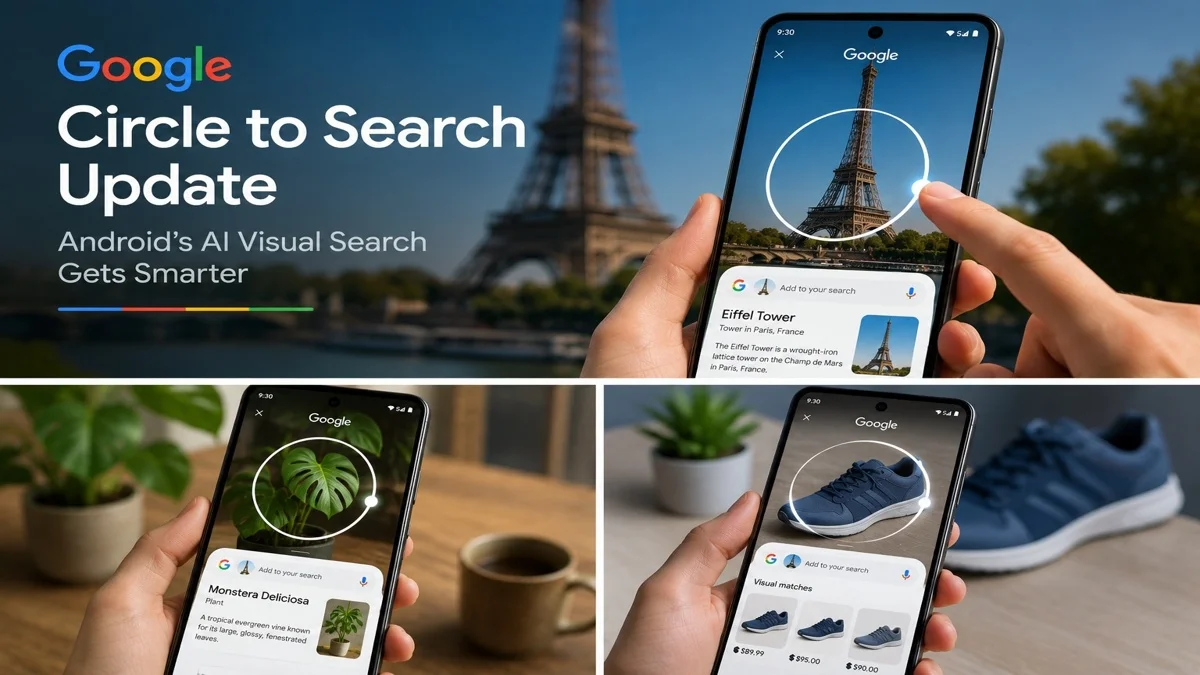
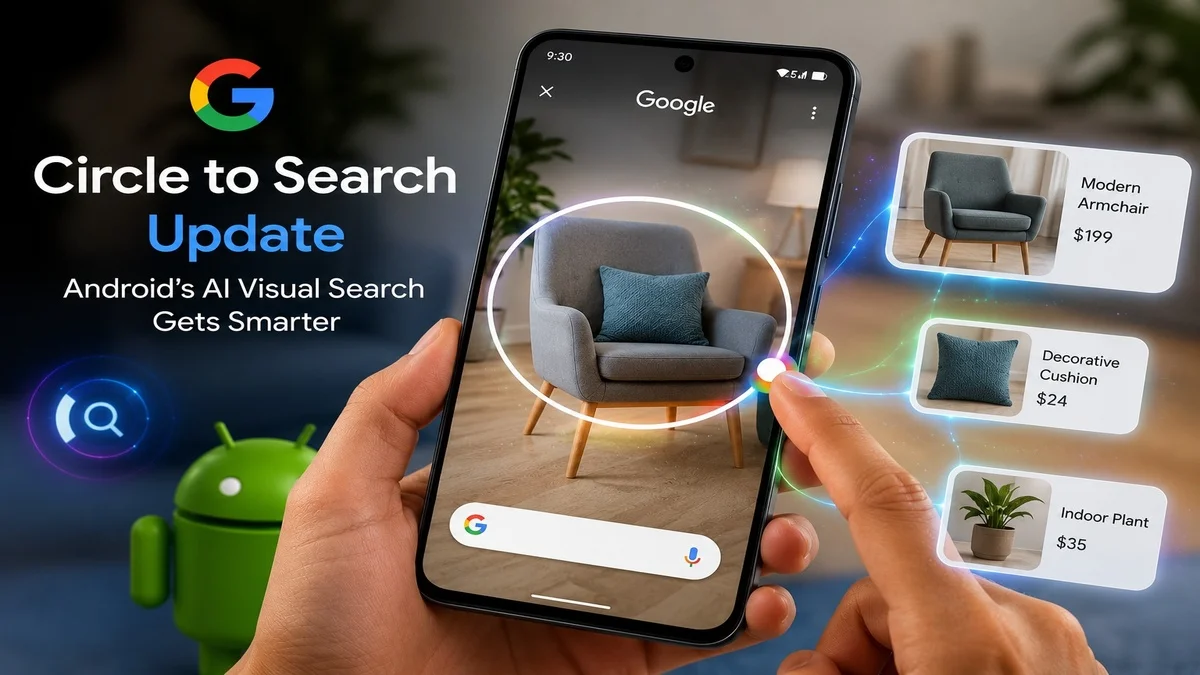
 Google’s Circle to Search update is making Android visual search more useful, faster and smarter. Instead of switching apps, typing long questions or taking screenshots, Android users can simply circle something on the screen and search it instantly.
This feature already changed how people search on phones. However, the latest improvements make it even more powerful. Users can now search multiple objects, ask better follow-up questions and get more helpful AI-powered answers.
For Mobile Verse readers, this update matters because it shows how Android is moving toward a more natural search experience. Your phone is no longer just showing content. It is starting to understand what appears on the screen.
Image suggestion: Add your first image here.
Alt text: Circle to Search update on Android phone screen
What Is the Circle to Search Update?
The Circle to Search update refers to Google’s latest improvements for its Android visual search tool. Circle to Search allows users to press and hold the navigation bar or home button, then circle, highlight, scribble or tap anything on the screen to search it.
For example, you can circle a pair of shoes in a video, a product in a social media post, a word in an article or a landmark in a photo. Google then shows search results without forcing you to leave the app.
This makes mobile search feel faster and more natural. Instead of describing what you see, you can simply point to it.
Why Android Visual Search Matters
Android visual search matters because people now discover things through images, videos and social media. They see products in reels, outfits in photos, places in travel clips and text inside apps. However, traditional search often requires typing, copying or switching between apps.
Circle to Search solves that problem by turning the screen itself into a search starting point. Therefore, users can search what they see immediately.
This is especially useful for shopping, travel, learning, translation and quick fact-checking. It also shows how Google is blending search, AI and Android into one smoother mobile experience.
Multi-Object Search Makes It More Useful
One of the biggest improvements is multi-object search. Google says users can search multiple objects inside one image, which means they do not need to search one item, go back and then search another item separately.
For example, if you see an outfit in a picture, you may be able to select the full look and identify different clothing items. Similarly, if you see several products on a table, you can search more than one object together.
This makes the tool more useful for real-world images because photos often contain more than one thing. It also helps users understand relationships between objects, not just isolated items.
Google AI Search for Shopping and Products
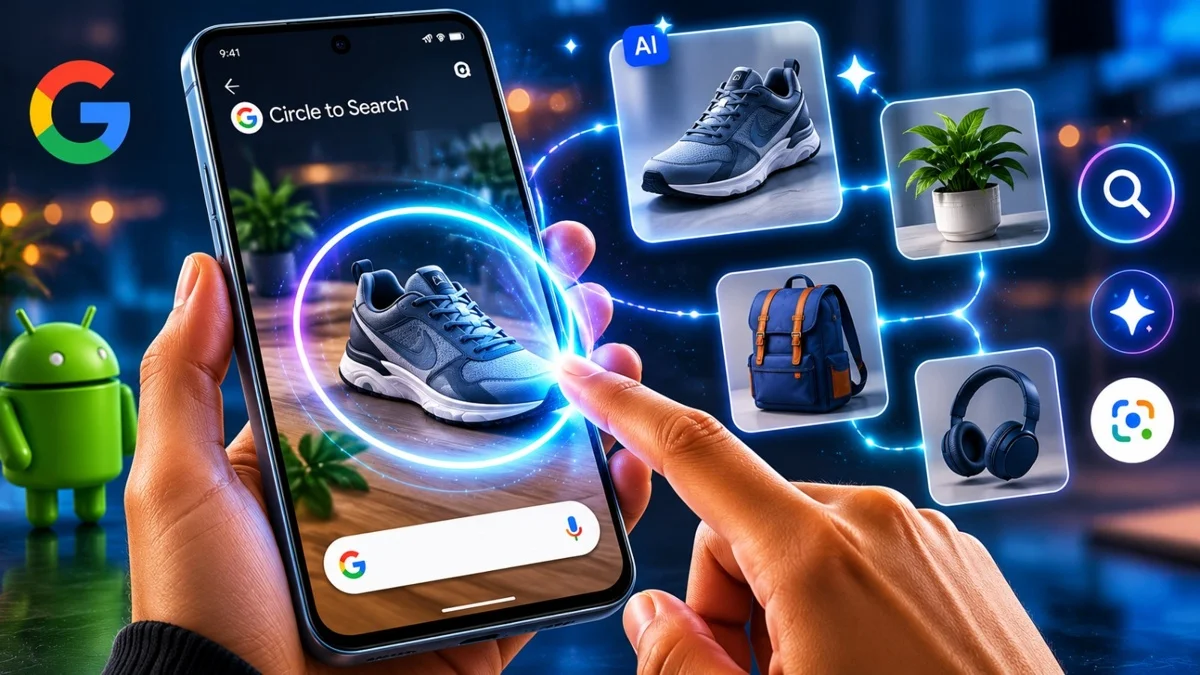
Google AI search is very helpful for shopping because users can search products directly from the screen. If you see a jacket, phone case, shoes, watch or home item online, you can circle it and find similar results quickly.
This can help users compare products, check prices, identify brands and discover alternatives. Instead of taking a screenshot and opening another app, users can search in the same moment.
For Android users, this is a major convenience. It turns social media posts, videos and web pages into quick product discovery tools.
Google explains how this feature works on its official Circle to Search for Android page, where users can learn how to search what appears on their screen.
Text Search and Translation on Android
The feature is not only about images. It is also helpful for text. Users can highlight words, sentences or phrases on the screen and search them instantly.
This can help with definitions, quick explanations, translations and unfamiliar terms. For example, if you are reading a news article and see a technical word, you can highlight it and search without leaving the page.
This is useful for students, travellers and everyday users. It also makes Android feel more connected because search works directly inside the content you are already viewing.
Follow-Up Questions Make Search Smarter
Another useful part of Android AI search is the ability to ask follow-up questions. Instead of only getting basic image matches, users can ask more specific questions about what they selected.
For example, you might circle a plant and ask whether it is safe for pets. You might circle a phone in a video and ask which model it is. You might circle a recipe ingredient and ask for a substitute.
This makes visual search feel more like a conversation. It also reduces the need to repeat searches again and again.
How Google AI Mode Connects With Visual Search
Google has been adding more AI into its search experience, and Circle to Search is part of that shift. Some newer improvements connect visual search with AI-style answers, giving users more context instead of only showing links or similar images.
This is important because users often want answers, not just search results. If someone circles a diagram, product or object, they may want a simple explanation, comparison or buying guidance.
However, users should still check important details from reliable sources. AI answers can be helpful, but they are not perfect.
Samsung and Pixel Phones Get Early Access
Circle to Search first became popular on Samsung Galaxy and Google Pixel devices. Google’s newest AI search features usually arrive first on selected Samsung and Pixel phones before wider Android availability.
This rollout pattern is common for Google AI features. Pixel and Samsung flagship phones often receive new Android tools earlier, while wider support can arrive later through app updates, Google services or future system updates.
If you use a Samsung, Pixel, OnePlus, Xiaomi or Motorola phone, availability may depend on your device model, region and Google app version.
How to Use Circle to Search on Android
Using Circle to Search is simple on supported Android phones. First, open any app where you see something you want to search. Then press and hold the navigation bar or home button.
After that, circle, tap, scribble or highlight the item on your screen. Google will then show related results, information or AI-powered answers.
If follow-up questions are available, you can type a question after selecting the object. This helps you get more specific answers without starting a new search.
Best Ways to Use This Android AI Tool
This Android AI tool can help in many everyday situations. You can use it to identify products, translate text, search outfits, understand diagrams, check landmarks or learn about objects in photos.
This feature is useful in many daily situations. For example, shoppers can find similar products quickly, while travellers can identify places, signs and menu items. It can also help students and readers understand words, images and diagrams without leaving the screen.
Because it works directly on the screen, it saves time. That is why this feature is becoming one of Android’s most practical AI tools.
How It Fits With the June Android Feature Drop
The Circle to Search update also connects with Google’s wider Android AI direction. Google is adding smarter tools across Android, including scam protection, visual search, Google Photos AI features and phone safety updates.
You can read our full guide on the June Android Feature Drop to see how Google is adding more AI tools and security features across Android.
This matters because Google is not treating AI as one separate app. Instead, AI is becoming part of Android’s core experience.
Circle to Search vs Google Lens
Circle to Search and Google Lens are closely related, but they are not the same experience. Google Lens usually starts from the camera, gallery or Lens app. Circle to Search starts from whatever is already on your screen.
That makes Circle to Search faster for app-based discovery. If you see something in TikTok, YouTube, Instagram, Chrome or Messages, you can search it without taking a screenshot or opening Lens separately.
Google Lens is still powerful for real-world camera search. However, Circle to Search is more convenient for on-screen search.
Why Android Users Should Try Visual Search
Android users should try visual search because it makes searching easier. You do not need to describe everything in words. You can simply select what you see.
This is especially helpful when you do not know the name of an object, place, product or style. Instead of guessing keywords, you can let visual search do the work.
In addition, the newer update makes the feature more useful for complex images with several objects. That makes it stronger for shopping, outfits, study materials and social media content.
Privacy and Screen-Based Search
Privacy is an important question for any screen-based AI feature. Since Circle to Search works with screen content, users should understand when they are activating it and what they are selecting.
The feature does not search everything automatically all the time. Users start it with a gesture, then choose the content they want to search. That gives users more control.
Still, users should be careful when searching sensitive content. Avoid using visual search on private messages, personal documents or banking information unless you are comfortable with it.
What This Means for Future Android AI
The Circle to Search update shows where Android AI is heading. In the future, phones may understand more of what users see, read and do on-screen.
This could make mobile search faster and more helpful. Instead of opening a browser and typing a query, users may ask questions directly about apps, images, videos, PDFs and web pages.
As a result, Android could become more proactive. Search may feel less like a separate action and more like a built-in assistant that works wherever users are.
Final Thoughts
Google’s Circle to Search update makes Android visual search more powerful and practical. Multi-object search, follow-up questions and AI-powered answers can help users understand what they see faster.
For everyday users, this feature can save time when shopping, studying, travelling or browsing social media. It also proves that Android AI is becoming more useful inside normal phone actions.
Overall, Circle to Search is one of Google’s smartest Android features because it makes search simple: see something, circle it and get answers.
FAQs
What is the Circle to Search update?
The Circle to Search update refers to Google’s latest improvements for Android visual search, including multi-object search and smarter AI-powered answers.
How does Circle to Search work on Android?
On supported phones, users press and hold the navigation bar or home button, then circle, tap or highlight something on the screen to search it.
Which phones support Circle to Search?
Circle to Search is available on selected Android devices, including many newer Pixel and Samsung Galaxy phones. Availability depends on device, region and updates.
Can Circle to Search identify multiple objects?
Yes, Google’s newer update allows users to search multiple objects inside one image at once on supported devices.
Is Circle to Search useful for shopping?
Yes, it can help users find products, compare similar items, identify outfits and discover buying options directly from the screen.