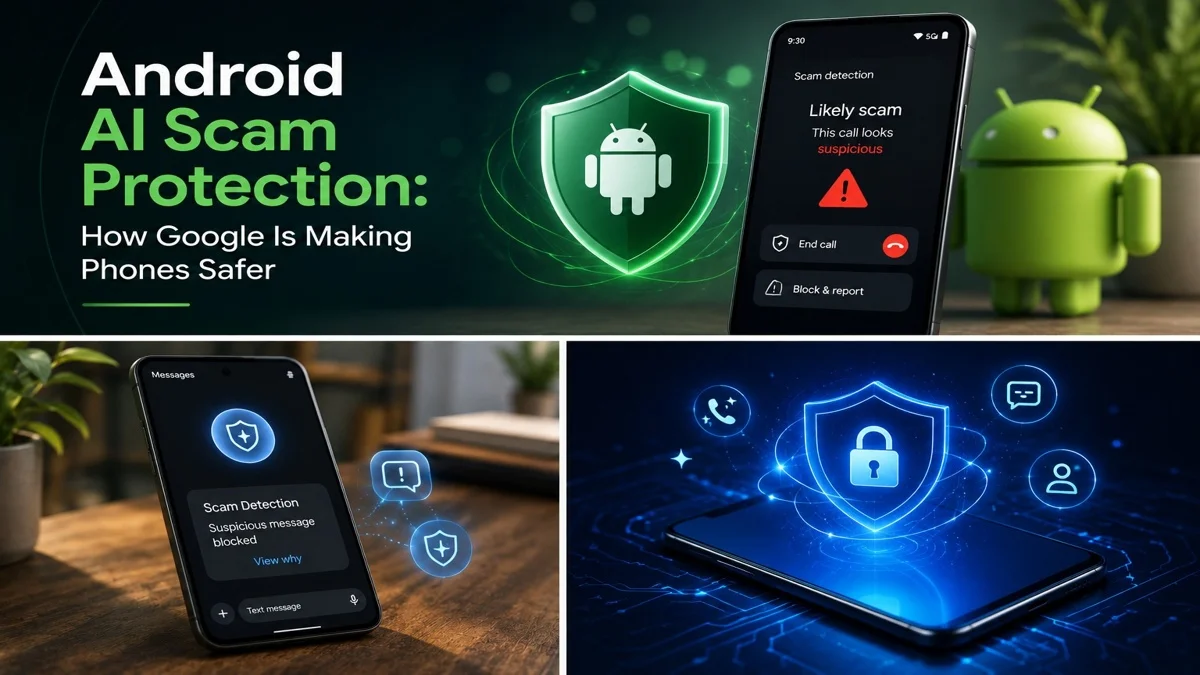
Android AI Scam Protection: How Google Is Making Phones Safer
 By Inflix
 Android AI scam protection is becoming one of Google’s biggest mobile security priorities in 2026. As scammers use fake caller IDs, voice cloning, suspicious links and fraud messages, Android phones need smarter tools to keep users safe.
Google is now pushing more AI-powered protections across calls, messages, apps and Android security settings. As a result, users may get better warnings before they trust a fake caller, open a risky message or install a dangerous app.
For Mobile Verse readers, this is an important topic because Android security is no longer only about passwords and app permissions. It is now about real-time AI safety that works in the background.
What Is Android AI Scam Protection?
Android AI scam protection means Google uses artificial intelligence to detect suspicious calls, messages, apps and mobile threats. Instead of waiting for users to spot every scam manually, Android can analyse warning signs and show alerts when something looks unsafe.
This can include scam call detection, fake contact warnings, suspicious app alerts and fraud message protection. The goal is simple: help users stop before they share money, passwords, verification codes or personal data.
Google says Android’s newer security direction focuses on AI-powered safeguards and advanced protections against evolving threats. That means Android phones are becoming more proactive about user safety.
Why Android AI Scam Protection Matters in 2026
Android AI scam protection matters because scams are becoming more convincing. In the past, many scam calls came from unknown numbers or used obvious robotic voices. However, modern scammers can spoof phone numbers, copy voices and create urgent emotional stories.
Because of this, people may trust a call that appears to come from a friend, family member, bank or delivery company. In some cases, a scammer may even use AI voice cloning to sound like someone the victim knows.
That is why Android needs better protection. It cannot only block known spam numbers. It also needs to identify suspicious behaviour, fake caller signals and risky patterns in real time.
Google Scam Detection for Fake Calls
One of the most important parts of Android AI scam protection is fake call detection. Google is rolling out a Phone by Google feature that can warn users when a caller may be spoofing a trusted contact’s number.
The feature works by checking whether a call that appears to come from a saved contact is actually coming from that person’s real device. If the call does not pass verification, Android may show a warning and remove the trusted contact details from the screen.
This is useful because caller ID spoofing can make a fake call look real. Google has also shared more about its wider Android security and privacy protections, including new tools designed to fight scams, fraud and suspicious mobile activity.
You can read our full guide on Android fake call detection to understand how this feature works in more detail.
How Google’s Fake Call Warning Works
Google’s fake call warning uses a silent verification signal between devices. When a real contact calls you, their device can send a confirmation signal in the background.
If your phone receives the correct signal, the call can appear normally. However, if a scammer spoofs the number and the verification signal is missing, Android may warn you that the call could be suspicious.
This does not mean every scam will be blocked. However, it gives users an extra moment to stop, think and verify before responding.
Android AI Scam Protection Against Voice Cloning
AI voice scams are one reason Google is moving quickly. A scammer can use short audio clips, social media videos or voice notes to imitate someone’s voice. Then, they may call a victim and create a fake emergency.
For example, the scammer may claim they lost their phone, need urgent money or are in trouble. Because the voice sounds familiar, the victim may panic and respond without checking.
This is where Android’s smarter call safety tools can help. If a call looks like it comes from a saved contact but does not verify correctly, users may receive a warning before trusting the voice.
Therefore, AI scam detection is not only a technical feature. It is a real safety tool for everyday phone users.
Phone by Google Scam Detection Tools
Phone by Google already includes safety tools that help users identify spam and risky calls. With newer AI features, the app is becoming more useful against complex phone scams.
These protections are important because phone scams often depend on pressure. Scammers may ask users to move money, share passwords or read out one-time codes. A real-time warning can interrupt that pressure before the user makes a mistake.
For many Android users, this could make the phone call experience safer without adding extra steps. The warning appears at the right time, which makes it easier to avoid panic-based fraud.
Android Fraud Alerts for Messages and Texts
Android scam protection is not only about calls. Messages are also a major scam channel. Fraudsters often send fake delivery alerts, bank warnings, job offers, prize claims or account security messages.
These messages may include dangerous links or ask users to share private information. Some scams also push users to install fake apps that steal data.
Google’s AI protection can help by detecting suspicious language, risky links and common scam patterns. As a result, users may see alerts before they reply, click or share sensitive details.
This is especially useful because many scam messages look professional. They may use brand names, logos and urgent language to appear trustworthy.
Android Security Tools for Dangerous Apps
Another part of Android safety is app protection. Scam apps can pretend to be banking tools, loan apps, shopping apps, cleaners, VPNs or security tools. Once installed, they may request dangerous permissions or steal personal data.
Google Play Protect helps scan apps for harmful behaviour. In addition, Google has been improving real-time app threat detection to warn users about risky apps before damage happens.
For users, this means it is safer to download apps from trusted sources and keep Play Protect enabled. It also means users should check app permissions before giving access to contacts, messages, photos or location.
Android AI Scam Protection for Banking Fraud
Banking scams are another major area where Android security is improving. Some scams involve fake bank calls, fake alerts or impersonation attempts that pressure users to move money.
This is important because financial scams can cause serious loss in minutes. If Android can identify a fake bank call or suspicious financial behaviour earlier, users may avoid costly mistakes.
However, users should still follow one simple rule: never share PINs, passwords or one-time passcodes during a call. A real bank will not ask for those details in that way.
Android Security Features in the June Update
Google’s latest Android updates are also connected to its wider June Android Feature Drop. This update includes new AI tools, phone safety upgrades and privacy improvements.
The fake call detection feature is one of the most important safety additions because it helps protect users from spoofed calls and AI impersonation. However, the wider update also includes other Android improvements that make phones more useful and secure.
You can read our full post on the June Android Feature Drop to see how Google is adding new AI tools and phone features across Android.

Why AI Phone Safety Matters for Everyday Users
AI phone safety matters because most users do not have time to analyse every call, message or app. People are busy, and scammers know how to create panic.
A fake call can arrive when someone is working, travelling or caring for family. A scam message can appear during a normal day and look like a real delivery update or bank notice.
That is why real-time alerts are helpful. They give users a warning at the exact moment they need it. Therefore, AI-powered mobile safety can protect people who may not follow every tech security update.
How Android Users Can Stay Safer
Android AI scam protection is useful, but users still need smart habits. First, keep your Android system, Google Play services and Google apps updated. Many safety features arrive through app updates, not only full Android upgrades.
Secondly, use the Phone by Google app if it is supported on your device. Also, keep spam and caller ID features enabled.
In addition, do not trust a call only because the name looks familiar. If someone asks for money, bank details or a verification code, end the call and contact them again through a trusted method.
Finally, avoid installing apps from unknown sources unless you fully trust them. Even then, check permissions carefully before allowing access to contacts, messages, photos or location.
Android AI Scam Protection vs Normal Spam Blocking
Normal spam blocking often works by checking known spam numbers or user reports. That is helpful, but it may not catch newer scams or spoofed contact calls.
Android AI scam protection is different because it can look for behaviour, verification signals and scam patterns. This makes it more useful against modern fraud attempts that do not always come from obvious spam numbers.
For example, a scammer may spoof a contact’s number or create a message that looks like a real bank alert. AI-based detection can help spot warning signs that older filters may miss.
That does not make Android perfect. However, it makes the phone more active in protecting users.
Privacy and Google AI Scam Detection
Many users may wonder whether Google AI scam detection affects privacy. This is a fair concern because calls, messages and apps can involve sensitive information.
Google says its security tools are designed with privacy in mind. Some protections use on-device detection, which means analysis can happen on the phone rather than sending everything to the cloud.
Still, users should always review app permissions and privacy settings. AI safety tools can be helpful, but users should stay in control of their data.
Which Phones Will Get Android Scam Protection Features?
Availability depends on the feature. Some tools start first on Pixel phones, while others may expand to more Android devices through Google apps, Play services or future Android updates.
The new fake call detection feature is expected to start with Pixel devices running Android 12 or newer. Wider support may depend on Phone by Google, RCS support and device compatibility.
Samsung, OnePlus, Xiaomi, Motorola and other Android brands may receive some protections later through Google app updates or system-level updates. Therefore, users should keep checking for updates.
What Android AI Scam Protection Means for the Future
Android is moving toward a future where security is more proactive. Instead of only reacting after users report scams, phones may warn users before they make risky decisions.
This could change how people handle calls, messages and app downloads. A phone may soon become a personal security assistant that quietly watches for danger signs.
At the same time, Google will need to keep privacy, accuracy and user control at the centre of these features. False warnings can annoy users, while missed scams can cause harm. Therefore, balance will be important.

Final Thoughts
Android AI scam protection shows how mobile security is changing. Scammers are using AI, spoofed numbers and emotional tricks, so Android needs smarter tools to fight back.
Google’s new protections can help users avoid fake calls, fraud messages, risky apps and suspicious mobile threats. While no system is perfect, these tools can give users a safer phone experience and more time to think before trusting a scam.
For Android users, the best step is simple: keep your phone updated, use trusted apps and stay careful when a call or message creates pressure. As AI scams grow, smart phone security will become more important than ever.
FAQs
What is Android AI scam protection?
Android AI scam protection uses Google AI and security tools to warn users about suspicious calls, fraud messages, risky apps and mobile threats.
How does Android detect fake calls?
Android can check whether a call from a saved contact is coming from that person’s real device. If verification fails, the phone may show a warning.
Can Android stop AI voice scams?
Android can help reduce the risk by warning users about spoofed or suspicious calls. However, users should still verify urgent calls separately.
Which phones get Google scam protection first?
Some features start first on Pixel phones, while others may arrive through Google apps, Google Play services or wider Android updates.
How can I protect myself from phone scams?
Keep Android updated, use trusted apps, avoid sharing codes or banking details on calls, and verify urgent requests through another contact method.