Samsung Messages Is Shutting Down in July 2026: What Galaxy Users Must Do Now
 By Inflix
 - 0
Samsung Messages Is Shutting Down Soon
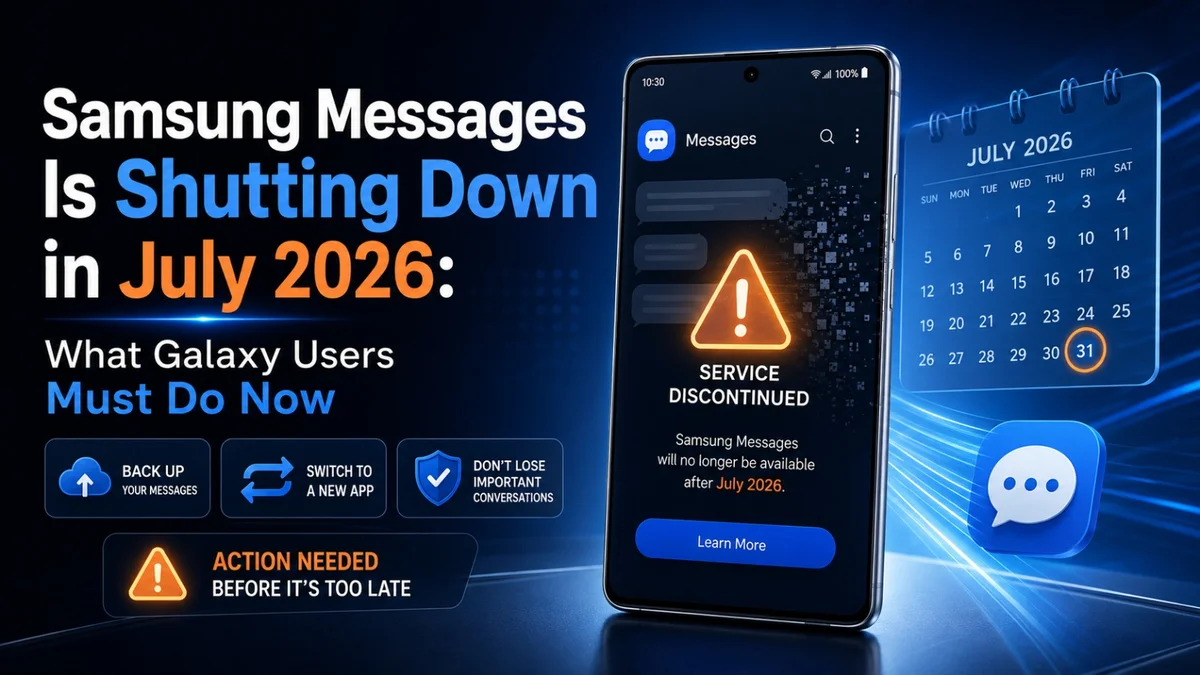
Samsung Messages shutdown is now official, and many Galaxy users need to prepare before the July 2026 deadline. Affected users are being moved to Google Messages, so some people may need to change their default texting app to avoid message problems later.
For many Galaxy users, this change may feel important because Samsung Messages has been part of Galaxy phones for years. However, Samsung and Google have been moving closer together on messaging, especially because of RCS messaging, better media sharing, and improved Android-to-iPhone texting support.
As a result, Galaxy users should check their default messaging app now instead of waiting until the final deadline.
What Is Happening to Samsung Messages?
The Samsung Messages shutdown matters because many Galaxy users still use the old app for daily SMS and MMS conversations. Switching early can help avoid confusion when the service ends.
Samsung Messages is being phased out as Samsung pushes users towards Google Messages. Newer Galaxy phones already use Google Messages as the default SMS app, while Samsung Messages has slowly become less important on recent devices.
After the July 2026 cutoff, affected users may no longer be able to use Samsung Messages as their normal texting app. Reports also suggest that Samsung Messages may only support emergency messages after the shutdown on affected devices.
This means Galaxy users who still rely on Samsung Messages should switch before the deadline.
The good news is that switching is simple. In most cases, users only need to install Google Messages, open it, and set it as the default SMS app.
Who Is Affected by the Samsung Messages Shutdown?
The Samsung Messages shutdown does not affect every Galaxy user in the same way.
According to AP’s report, the change mainly applies to US customers using newer Galaxy devices or newer Android versions. Devices running Android 11 or earlier are not expected to be affected in the same way.
Here is a simple breakdown:

| User Type | Affected? | What to Do |
|---|---|---|
| Galaxy users in the US | Yes | Switch to Google Messages |
| Newer Galaxy phone users | Yes | Set Google Messages as default |
| Android 12 or newer users | Likely yes | Check Samsung Messages app notice |
| Android 11 or older users | No major impact reported | Continue checking updates |
| UK and global users | Not clearly confirmed | Watch for regional notices |
At the moment, Samsung’s official page says the end-of-service announcement is applicable to the US market only.
However, Galaxy users outside the US should still pay attention because Samsung has already been making Google Messages the default app on many newer devices globally.
Why Is Samsung Replacing Samsung Messages With Google Messages?
Samsung is not simply removing a texting app. The company is moving towards a messaging system that works better across Android devices.
Google Messages supports RCS, which brings modern messaging features to Android phones. These features include:
- Read receipts
- Typing indicators
- Better group chats
- Higher-quality photo and video sharing
- Improved spam protection
- Better Android-to-iPhone messaging support
- Web and multi-device messaging features
Android Authority notes that switching to Google Messages gives Galaxy users access to RCS features such as read receipts, typing indicators, and better group chats. It also says message migration can take up to 24 hours.
This is why Samsung is pushing users away from its own app and towards Google’s messaging platform.
Will Your Old Samsung Messages Be Deleted?
Most users should not lose their old conversations when switching to Google Messages.
When Google Messages is set as the default SMS app, existing SMS and MMS conversations usually appear inside the new app. However, migration may not be instant. Android Authority reports that message history can take up to 24 hours to fully appear after switching.
Still, it is smart to back up your messages before making the switch.
Before changing your default app, Galaxy users should:
| Step | Why It Matters |
|---|---|
| Back up phone data | Keeps messages safer |
| Update Google Messages | Avoids app errors |
| Connect to Wi-Fi | Helps sync data faster |
| Keep phone charged | Prevents migration interruption |
| Wait up to 24 hours | Some chats may take time to appear |
If important texts are missing immediately after switching, do not panic. Give the phone some time to complete the migration.
How to Switch From Samsung Messages to Google Messages
Switching from Samsung Messages to Google Messages is easy.
Follow these steps:
- Open the Google Play Store
- Search for Google Messages
- Install or update the app
- Open Google Messages
- Tap Set default SMS app
- Select Google Messages
- Confirm by tapping Set as default
Once this is done, Google Messages will become your main texting app.
Samsung also provides an official page for users who need help switching from Samsung Messages to Google Messages. You can check it here:
Samsung official Samsung Messages notice
Samsung Messages vs Google Messages
Many Galaxy users may wonder whether Google Messages is actually better than Samsung Messages. The answer depends on what you value most.
Samsung Messages was simple, clean, and familiar. Many users liked its layout and Samsung-style customization. On the other hand, Google Messages is more future-ready because it supports stronger RCS features and receives frequent updates.
| Feature | Samsung Messages | Google Messages |
|---|---|---|
| Default on newer Galaxy phones | No | Yes |
| RCS support | Limited by device/carrier | Stronger support |
| Read receipts | Limited | Yes |
| Typing indicators | Limited | Yes |
| Spam protection | Basic | Stronger |
| AI features | Limited | More Google features |
| Future support | Ending in July 2026 for affected users | Active |
For users who want the safest option, Google Messages is now the better long-term choice.
Why Galaxy Users Should Not Wait Until the Last Day
Some users may think they can wait until Samsung Messages stops working. However, that may create problems.
If millions of users switch at the last moment, some people may face app setup delays, sync issues, or missing message confusion. It is better to switch early and make sure everything is working before Samsung Messages reaches the end of service.
The biggest risk is not losing the app itself. The bigger risk is discovering too late that your messages, notifications, or default SMS settings are not working properly.
That is why Galaxy users should switch now, test Google Messages, and confirm that they can send and receive texts normally.
Is Google Messages Safe to Use?
Yes, Google Messages is safe to use and is already the default messaging app on many Android phones.
It supports RCS messaging, spam protection, and modern Android texting features. Google has also been improving the app with better media sharing and AI-powered features. AP reported that Google Messages offers enhanced features including Gemini AI tools, image generation during chats, AI-powered reply suggestions, and improved photo sharing quality across Android and iOS devices through RCS.
However, users should only install Google Messages from trusted sources such as the Google Play Store.
Do not click random text links claiming to “upgrade Samsung Messages” unless they come from Samsung, Google, or your phone’s official app prompt.
What If You Do Not Like Google Messages?
Google Messages works as Samsung’s recommended replacement, but Android users still have other messaging options.
Users can choose another SMS app from the Play Store if they do not want to use Google Messages. However, most Galaxy users will get the easiest and safest experience with Google Messages because Samsung now recommends it for affected devices.
If you use a Samsung Galaxy phone daily, you should test Google Messages before the deadline. This will help you check your old chats, notifications, and SMS settings before Samsung Messages stops working.
What Galaxy Users Should Do Today
If you still use Samsung Messages, do these steps now:
| Action | Status |
|---|---|
| Check if Samsung Messages is your default app | Important |
| Install or update Google Messages | Recommended |
| Back up your phone data | Recommended |
| Set Google Messages as default | Required for smooth texting |
| Send a test message | Important |
| Wait for old messages to appear | Up to 24 hours possible |
This will help you avoid any texting problems after the July 2026 shutdown.

Related Android and Samsung Coverage
You may also like:
Samsung One UI 8.5 Update: What Galaxy Users Should Know
Tecno Pova 8 5G Appears on Google Play Console
One UI 9 Testing on Galaxy S25: What It Means for Samsung Users
For official support, visit:
Samsung Messages end-of-service notice
Overall, the Samsung Messages shutdown is not just an app change. It is part of Samsung’s wider move towards Google Messages and RCS-based texting on Android phones.
Final Thoughts
Overall, the Samsung Messages shutdown is a major change for Galaxy users who still use Samsung’s old texting app. Samsung now wants affected users to move to Google Messages before the July 2026 deadline.
However, this change should not create major problems if users switch early. First, install or update Google Messages. Then, set it as your default SMS app. After that, send a test message and check that your old conversations appear correctly.
In addition, Google Messages gives users better RCS features, stronger spam protection, improved group chats, and smoother Android texting support. Therefore, most Galaxy users should treat this switch as an upgrade rather than just an app replacement.
As a result, the safest option is clear. Galaxy users should move to Google Messages now, test everything properly, and avoid last-minute message issues when Samsung Messages stops working.
FAQs
Is Samsung Messages shutting down?
Yes, Samsung Messages is shutting down for affected users in July 2026. Samsung now recommends Google Messages as the replacement app for Galaxy users who still rely on Samsung Messages.
Why is Samsung Messages shutting down?
Samsung is moving users towards Google Messages because it offers stronger RCS support and better Android messaging features. In addition, Google Messages works better with modern texting tools such as read receipts, typing indicators, spam protection, and improved media sharing.
Who will be affected by the Samsung Messages shutdown?
The change mainly affects Galaxy users in the US who still use Samsung Messages on newer Android versions. However, users outside the US should also keep an eye on Samsung notices because Google Messages has already become the default app on many newer Galaxy phones.
Will my old messages disappear after switching?
No, your old SMS and MMS messages should usually appear in Google Messages after you set it as the default SMS app. However, some conversations may take time to appear. Therefore, users should back up their phone before switching.
How do I switch from Samsung Messages to Google Messages?
First, open the Google Play Store and update Google Messages. Then, open the app and select it as your default SMS app. After that, send a test message to confirm that texting works normally.
Is Google Messages better than Samsung Messages?
For most Galaxy users, Google Messages is now the better long-term option. It supports stronger RCS features, better spam protection, improved group chats, and more regular updates. As a result, it gives Samsung users a more future-ready texting experience.
Should I switch to Google Messages now?
Yes, switching early is the safest option. If you move now, you can check your old chats, notifications, and SMS settings before the final deadline. This way, you can avoid message problems when Samsung Messages stops working.