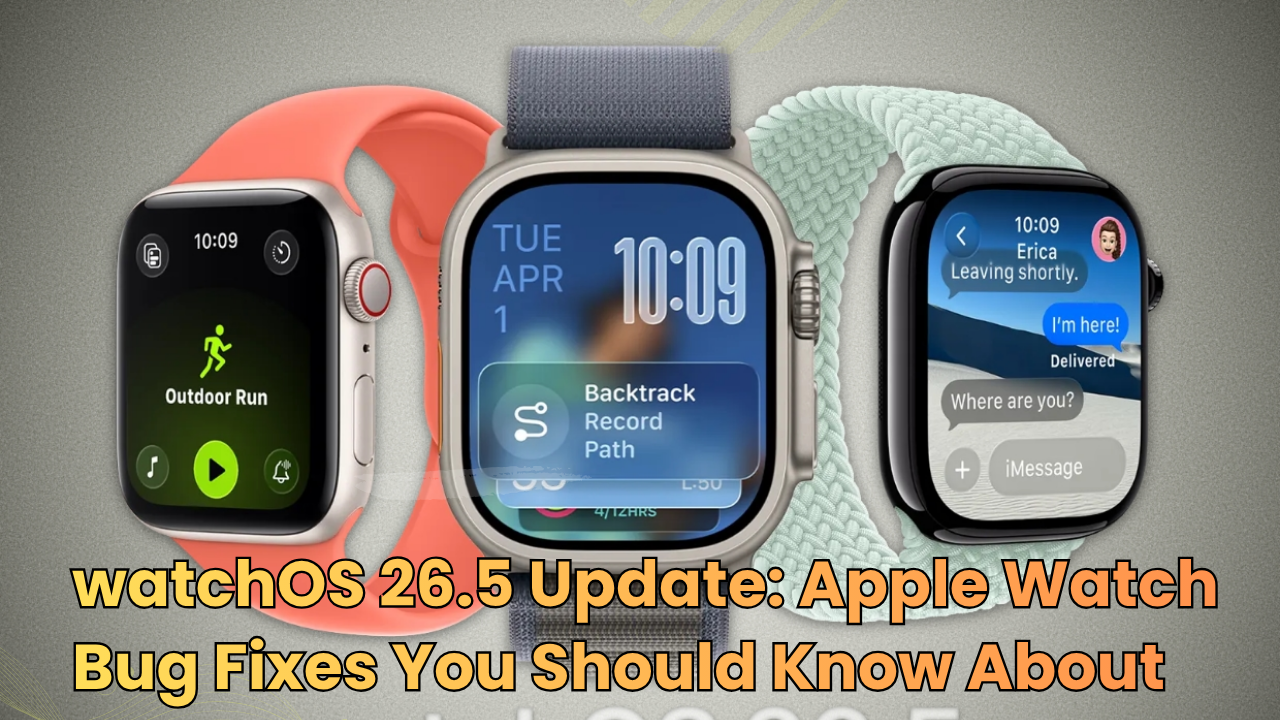
Apple Watch users may soon get a smoother experience with the watchOS 26.5 update. While this update is not expected to bring a huge list of new features, it does focus on something many users care about more: fixing annoying bugs.
According to recent reports, Apple’s watchOS 26.5 release candidate includes two important fixes for Apple Watch users. These fixes target problems related to Messages and Workout audio alerts, which means daily use and fitness tracking could feel more reliable after the update.
What Is New in the watchOS 26.5 Update?
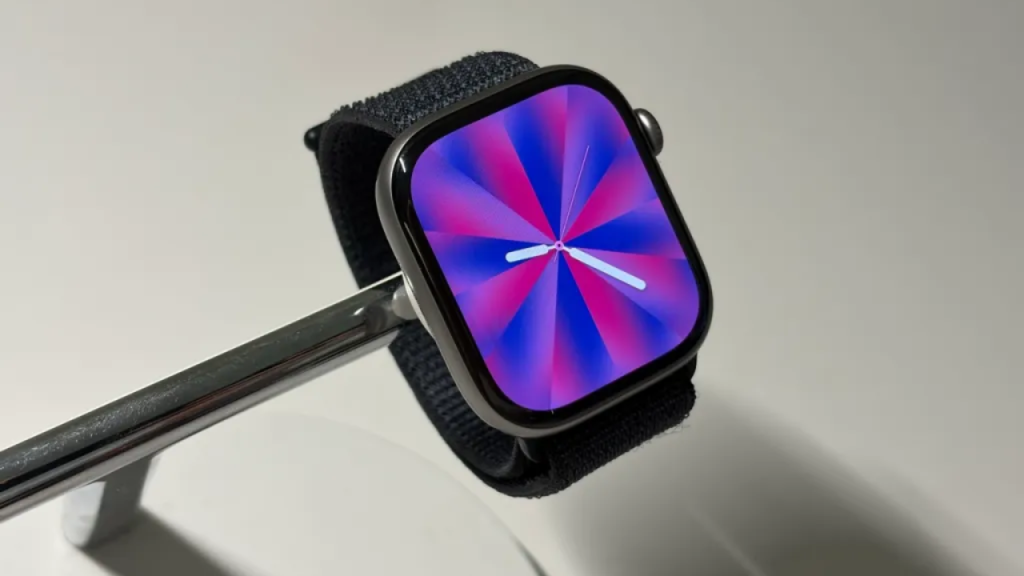
The watchOS 26.5 update is mainly focused on improving stability. However, Apple is also adding a new Pride Luminance watch face, which gives users more customization options for their Apple Watch display.
Still, the biggest reason to install this update will likely be the two bug fixes. These are not flashy changes, but they can make the Apple Watch feel better in everyday use.
watchOS 26.5 Fixes an iMessage and SMS Bug
One of the key fixes in watchOS 26.5 is related to Messages. Some Apple Watch users paired with a dual-SIM iPhone may face an issue where the watch sends a message as SMS instead of iMessage.
This can be frustrating because iMessage is usually preferred by iPhone users. It works over the internet, supports blue bubbles, and often gives a better messaging experience. However, when the Apple Watch uses SMS by mistake, the message may appear as a green bubble and may also depend on carrier messaging.
With the watchOS 26.5 update, Apple is expected to fix this issue. Therefore, users with dual-SIM iPhones should see more reliable messaging from their Apple Watch.
Workout Audio Alerts Should Work Better
The second important fix is for the Workout app. Some users may notice that audio alerts fail to play when their iPhone is not nearby. This can be a problem during running, walking, cycling, or gym sessions because workout alerts help users track progress without looking at the screen.
For example, audio alerts can tell you about pace, distance, time, or workout progress. If these alerts do not play properly, the Apple Watch feels less useful during exercise.
Thankfully, watchOS 26.5 is expected to fix this issue. As a result, users who like to work out without carrying their iPhone should get a better experience.
Why These Apple Watch Bug Fixes Matter
Many Apple Watch updates focus on new features, but bug fixes are just as important. A smartwatch is something people wear all day, so small problems can become annoying very quickly.
For users who send messages from their wrist, the iMessage fix is helpful. Meanwhile, for fitness users, the Workout audio alert fix can make training sessions more convenient.
In addition, these fixes show that Apple is still improving the overall watchOS 26 experience. Even if the update feels small, it can still improve daily performance.
Should You Install watchOS 26.5?
Yes, most Apple Watch users should install the watchOS 26.5 update when it becomes available publicly. Since the update includes bug fixes and stability improvements, it is likely worth downloading.
However, before updating, make sure your Apple Watch has enough battery and is connected to its charger. You should also keep your iPhone nearby during the update process.
How to Update Your Apple Watch
To install watchOS 26.5, open the Apple Watch app on your iPhone. Then go to General > Software Update. After that, follow the on-screen instructions.
Usually, your Apple Watch needs at least 50% battery and should be placed on its charger before the update starts.
Final Thoughts
The watchOS 26.5 update may not be the biggest Apple Watch update of the year, but it brings useful improvements. The two main bug fixes should help users enjoy better messaging and more reliable workout audio alerts.
Overall, this update is good news for Apple Watch users, especially those using a dual-SIM iPhone or exercising without their iPhone nearby.
FAQs About watchOS 26.5 Update
What does the watchOS 26.5 update fix?
The watchOS 26.5 update fixes two useful Apple Watch bugs. First, it improves the Messages app for users who pair their Apple Watch with a dual-SIM iPhone. Second, it improves Workout audio alerts when the iPhone is not nearby. These fixes should make the Apple Watch feel more reliable in daily use. You can also check Apple’s official update details on the Apple Watch software updates page.
Does watchOS 26.5 fix the iMessage issue on Apple Watch?
Yes, watchOS 26.5 targets a Messages issue on Apple Watch. Some users with a dual-SIM iPhone noticed that their Apple Watch used SMS instead of iMessage. After this update, Apple Watch should handle messages more accurately when users send texts from their wrist.
Will watchOS 26.5 improve Workout audio alerts?
Yes, watchOS 26.5 should improve workout audio alerts. Some Apple Watch users found that workout alerts did not play properly when their iPhone was not nearby. Therefore, this update should help runners, walkers, cyclists, and gym users hear their workout progress more clearly.
Should I install watchOS 26.5 on my Apple Watch?
Yes, you should install watchOS 26.5 when Apple releases it for your device. The update focuses on bug fixes, so it can improve your Apple Watch experience without changing how you normally use the watch. However, keep your Apple Watch on charge and connect your iPhone to Wi-Fi before you start the update.
How can I update my Apple Watch to watchOS 26.5?
You can update your Apple Watch through the Watch app on your iPhone. Open the app, tap General, then choose Software Update. After that, follow the instructions on the screen. Make sure your Apple Watch has at least 50% battery and stays on its charger during the update.